Privacy & Encryption
Everything about keeping your notes private · client-side and zero-knowledge encryption, what a provider can and cannot see, and how to choose a notes app that protects your data.
111 articles
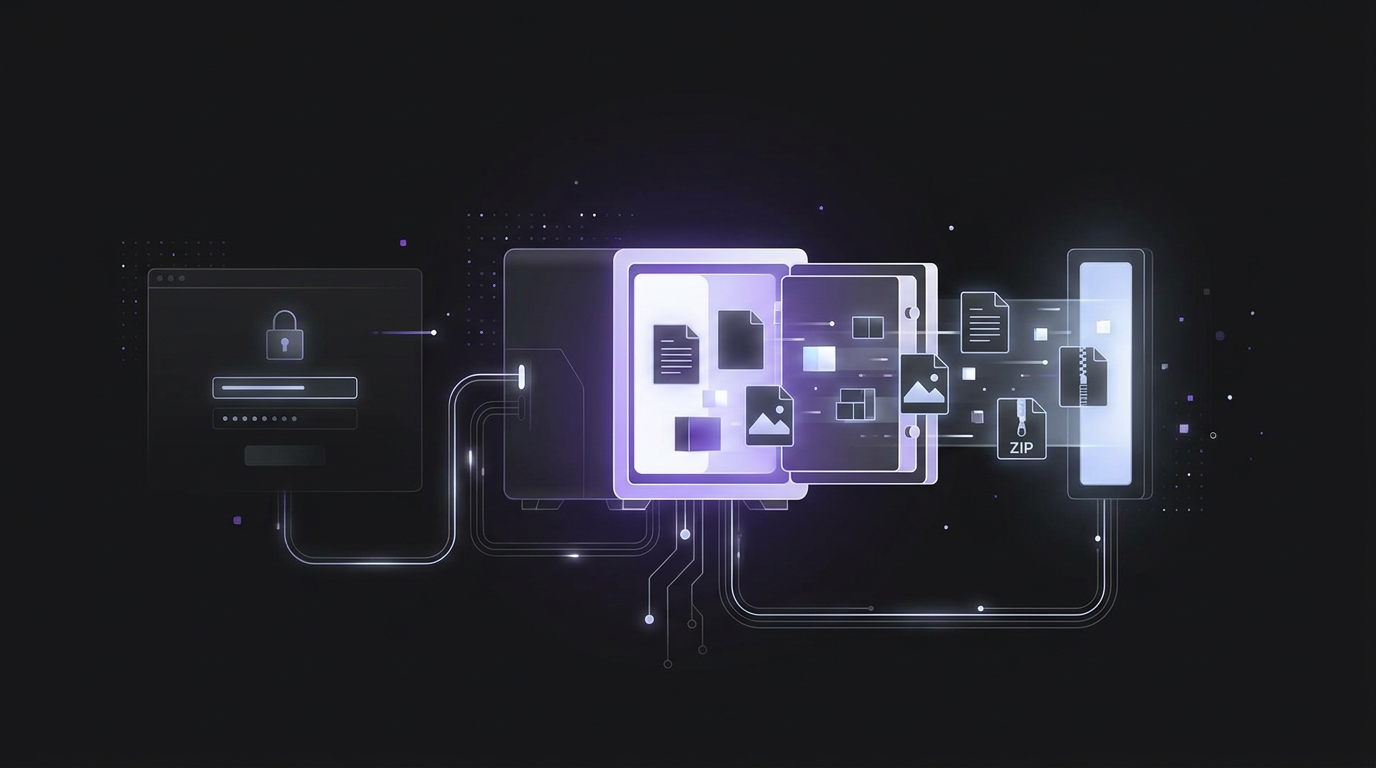
Exporting notes from an unlocked vault: formats, attachments and password prompts
To export notes from an unlocked vault, use the app's export tool to save your vault data. Bitwarden offers plaintext CSV and JSON files, encrypted JSON files, and ZIP files with attachments. For local note vaults, copy the note files and their attachments folder into the new vault.
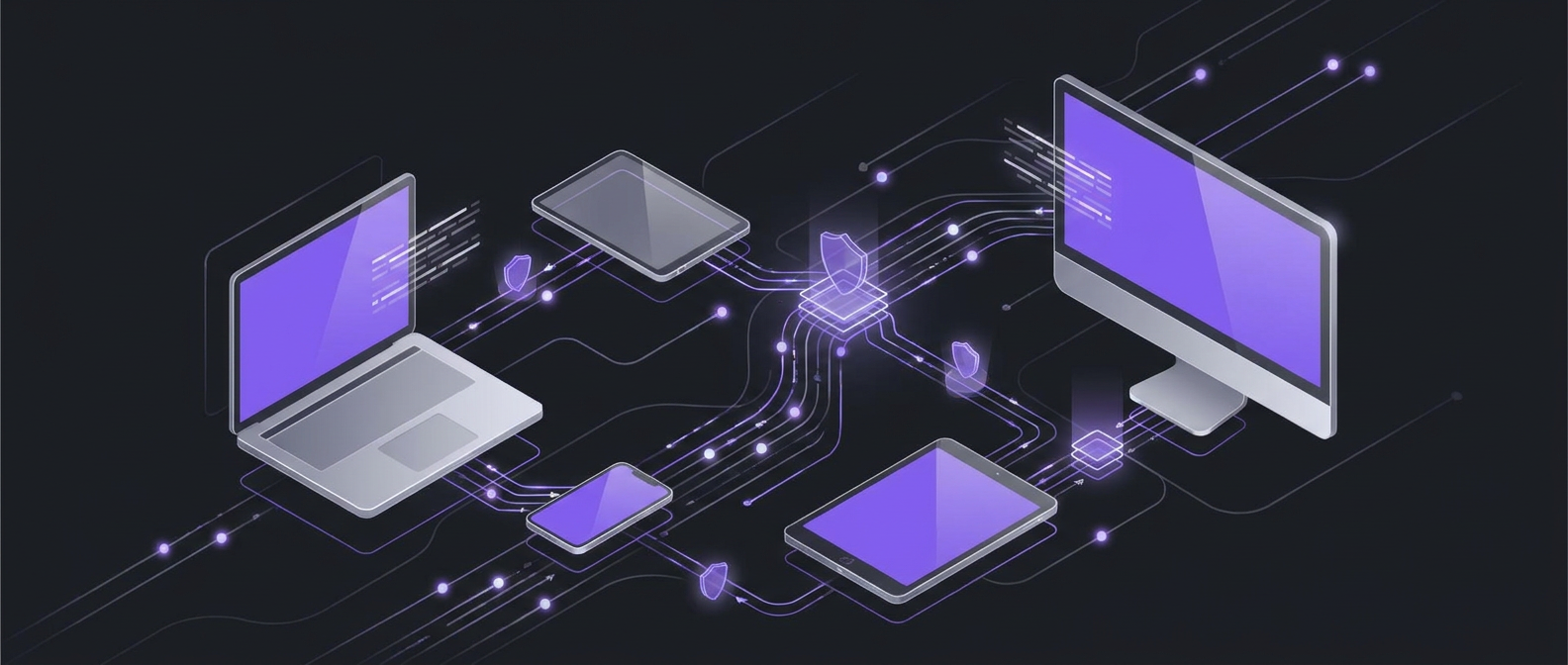
Private note syncing across devices with Syncthing, Joplin and SimplyBoard
Syncthing offers private, secure file exchange between devices for syncing your notes. A self-hosted Joplin server lets you sync notes without relying on third-party cloud services. SimplyBoard encrypts entry content before it leaves your device, and its servers store only encrypted content.
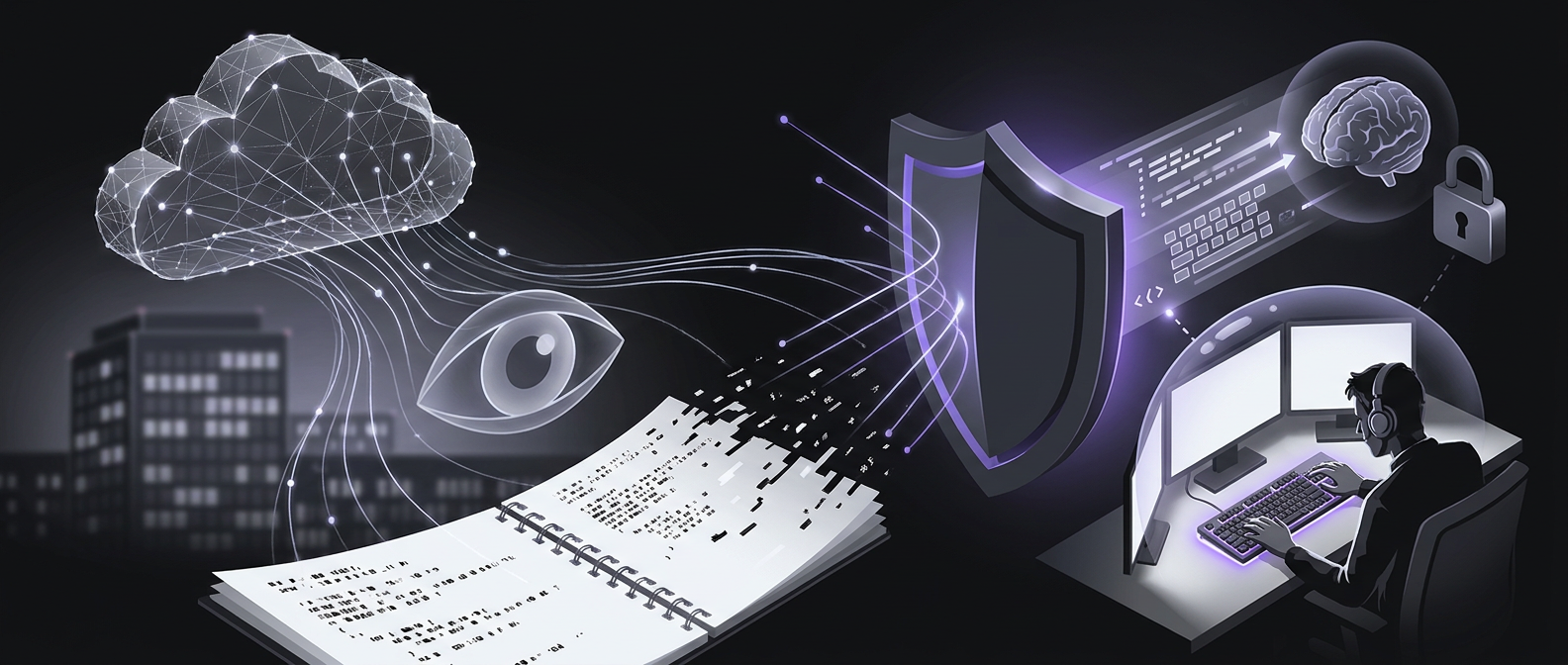
Can companies read your notes? Cloud apps, employers and encryption explained
Most cloud note apps give their provider a technical route to read your notes, even when access is restricted. On personal phones, Apple and Android management controls block employers from reading personal notes. A provider that can reset your password and return your existing notes can reach the key needed to read them.
Why Obsidian Mobile Loads Slowly and How to Fix It
Obsidian mobile can load slowly when iCloud must download files that are no longer stored on your phone. Heavy community plugins can also delay startup. Open notes that need plugins to render add to workspace load time.
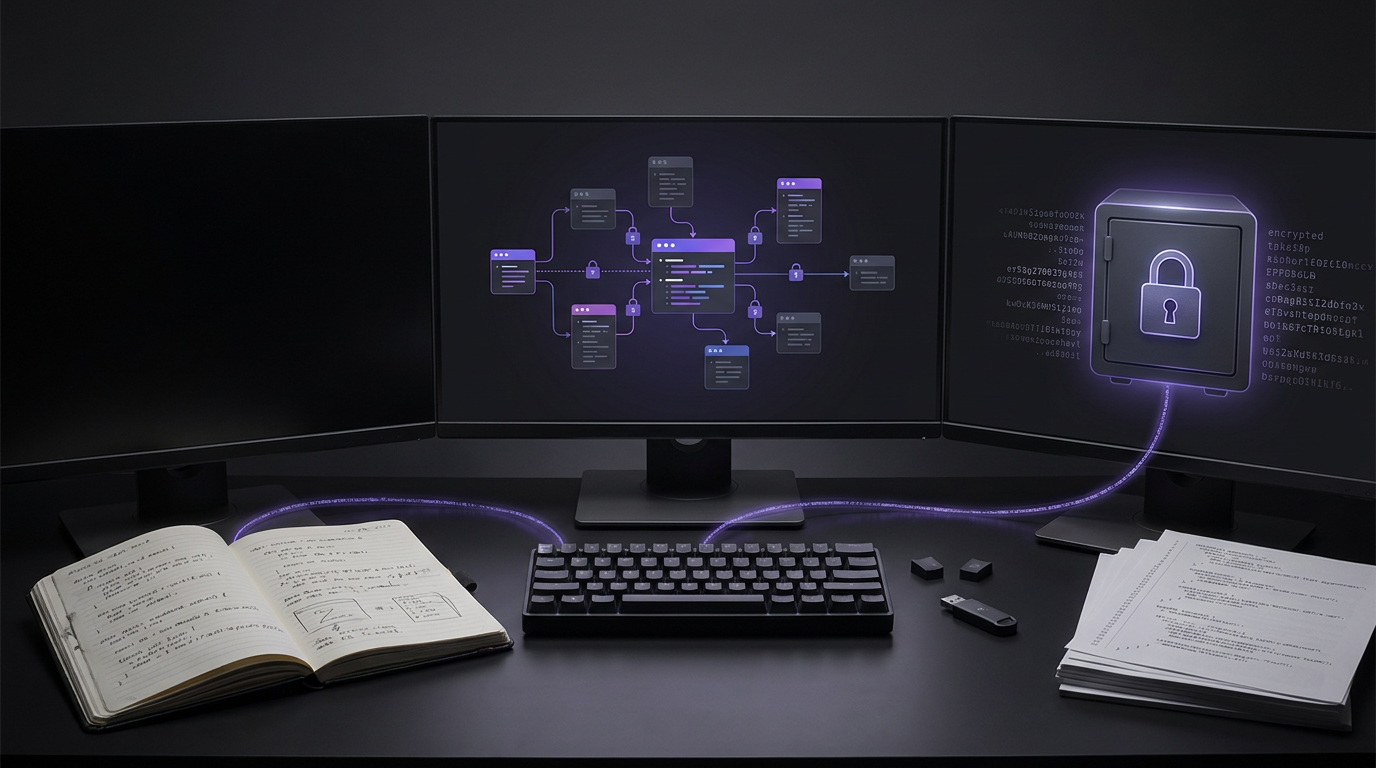
Best Developer Tools for Note Taking: Local Files, Team Wikis and Encrypted Snippets
The best developer note-taking tools support highlighted code blocks, portable Markdown files and links between notes. Obsidian stores notes as plain Markdown files on your device. Both Obsidian and Logseq give you local ownership of your notes and work offline.
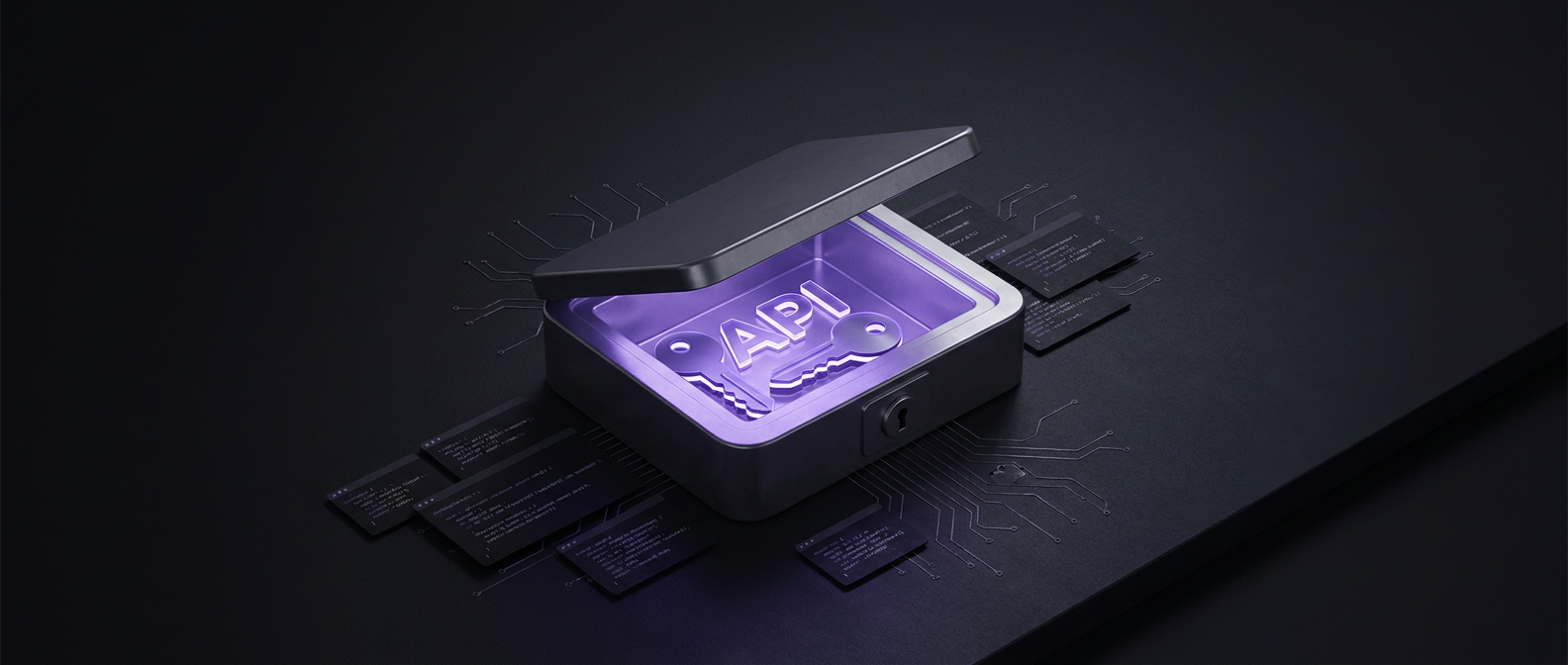
How to Store API Keys Safely in Notes and Code
Store API keys with proven encryption such as AES-GCM, rather than leaving them as plain text strings in code. SimplyBoard encrypts entry content with AES-256-GCM on your device before it syncs.

Can you use a non-AI version of Notion?
This guide reviews Notion’s documented AI controls; it does not verify a separate AI-free edition. Notion documents an Enterprise owner switch that stops data being sent to AI subprocessors. Check its scope against your needs, or assess a local Obsidian setup with Restricted Mode on.

How do you choose an app like OneNote?
Catalogue your exact formatting prerequisites, such as handwriting, freeform canvas arrangement, section tabs, or text hierarchy, across each daily device. Compare alternative tools against export portability, offline sync reliability, and encryption boundaries rather than surface visual familiarity alone.
Which apps are similar to Notion without AI?
Audit your core workspace needs between structured databases, collaborative documents, and isolated note storage across candidate platforms. Test candidate tools against your privacy baseline without enabled machine learning settings or automated background text processors.

How do you choose between Argon2id and bcrypt?
Audit your engineering requirements, compare memory allocations against available hardware limits, and verify password length restrictions across your application stack. Test work factors and iteration counts directly on target hardware to confirm acceptable response latencies before deploying authentication or key wrapping functions.

Which local note apps offer an offline feed like Telegram Saved Messages?
Test offline feed capture using local storage mechanisms and verify file attachments open smoothly without relying on active network access. Compare benchmark retrieval times across chronological feeds and document whether attachment pointers maintain integrity inside your local vault configuration.
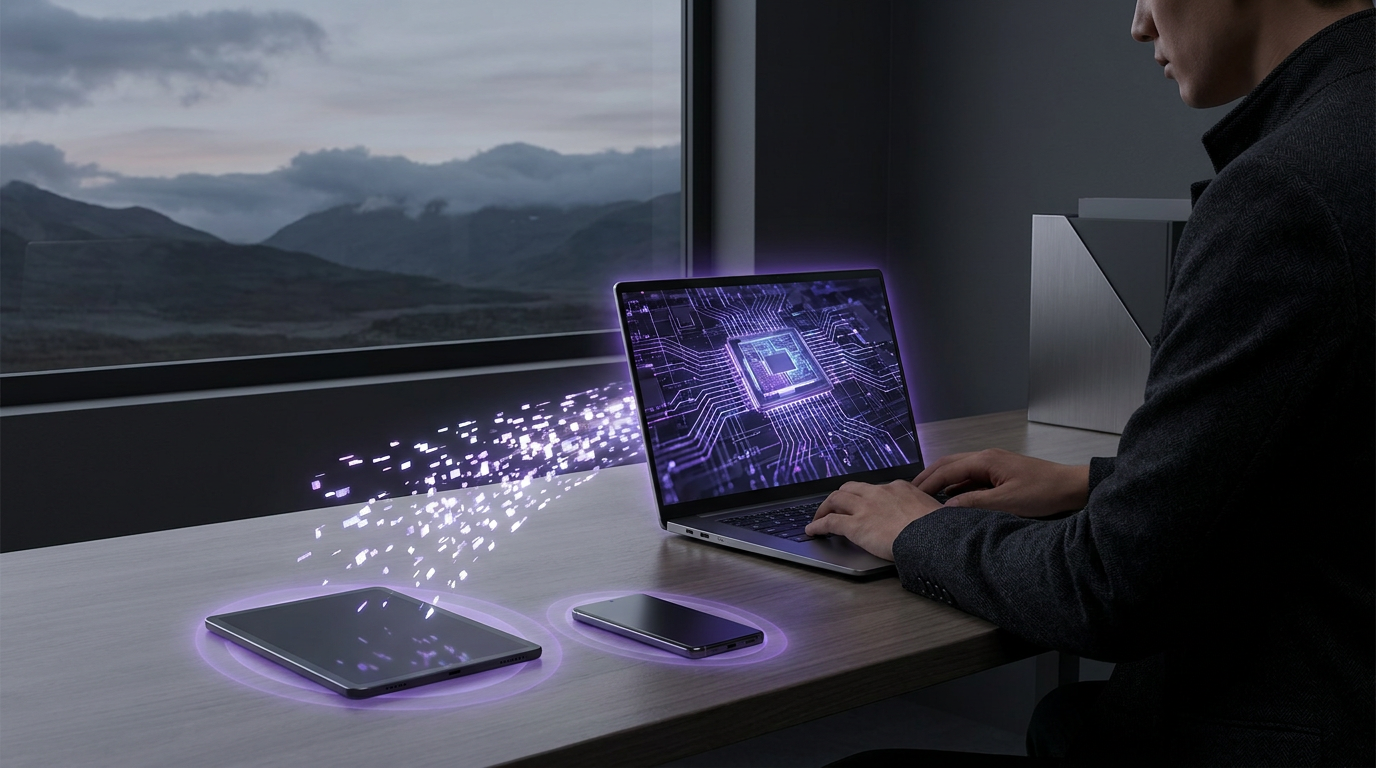
Maintaining Productivity Offline: Encrypted Sync for Remote Workflows
Inspect offline Markdown storage directly on test devices, record local persistence states, and compare synchronization logs across simulated disconnections. Review conflict handling protocols against team requirements to prevent data overwrites. Validate cryptographic parameters during network resumption to maintain consistent data integrity across all remote endpoints.
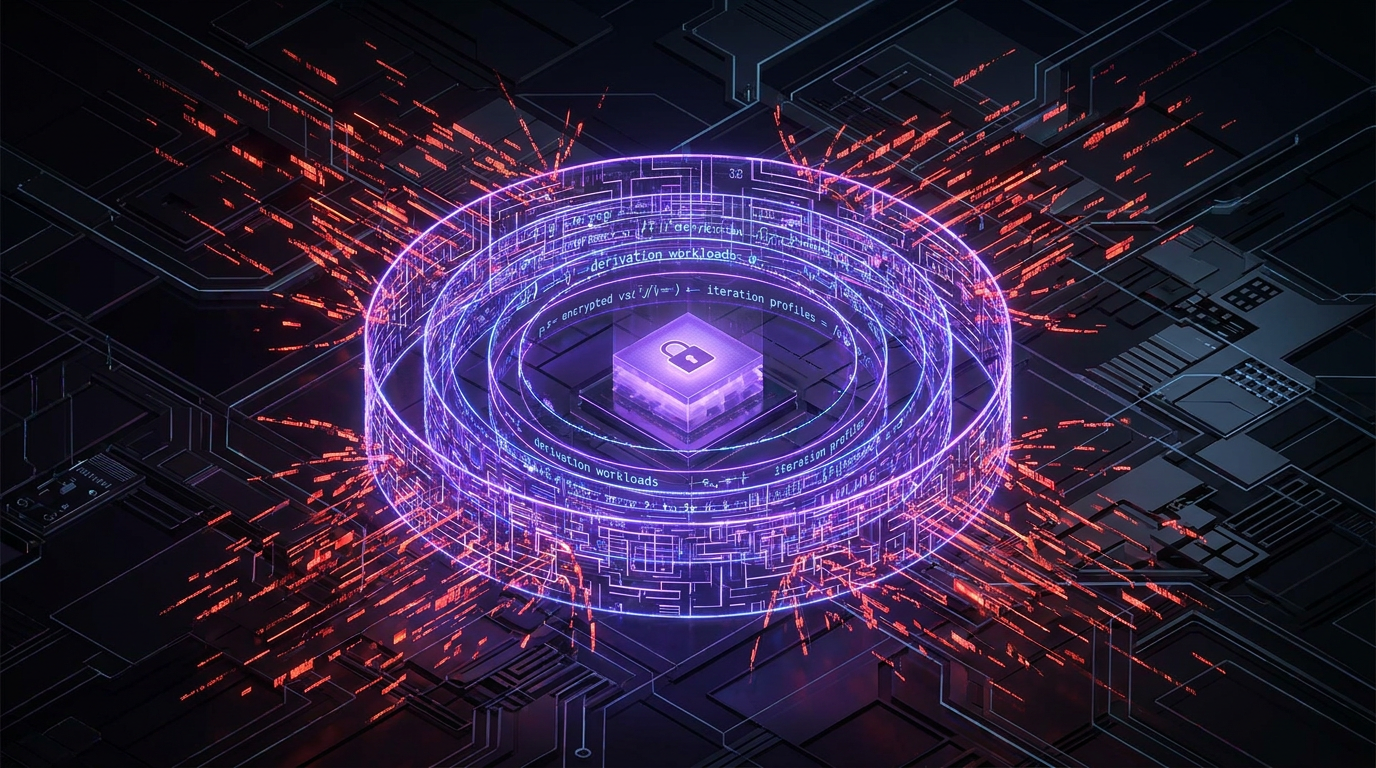
Brute Force Protection for Encrypted Notes: Derivation Workloads and Iteration Profiles
Review your note vault derivation settings against your security policy. Record benchmark durations across target client hardware, test unlock responses with varied passphrase complexities, and decide on appropriate iteration counts or modern key derivation functions. Upgrade legacy vaults when hardware throughput permits, ensuring derivation latency balances resistance to brute force attacks with day-to-day usability.

Evaluating Zero-Knowledge Architecture for Private Knowledge Management
Inspect outbound network requests while creating and updating notes across your target clients. Record whether payloads transmit plaintext strings, master passwords, or encrypted blocks. Decide whether your privacy requirements allow cloud operators to access note contents, or whether your data governance policy demands client-side key generation and local decryption.
Building a Secure Personal Knowledge Base with Free Zero-Knowledge Tools
Review your note security policy before storing sensitive records. Inspect free client-side encrypted applications across your target devices. Record authentication mechanisms, recovery phrase handling, and export formats for each candidate tool. Compare test export integrity across devices and choose a zero-knowledge configuration that matches your agreed operational privacy requirements.
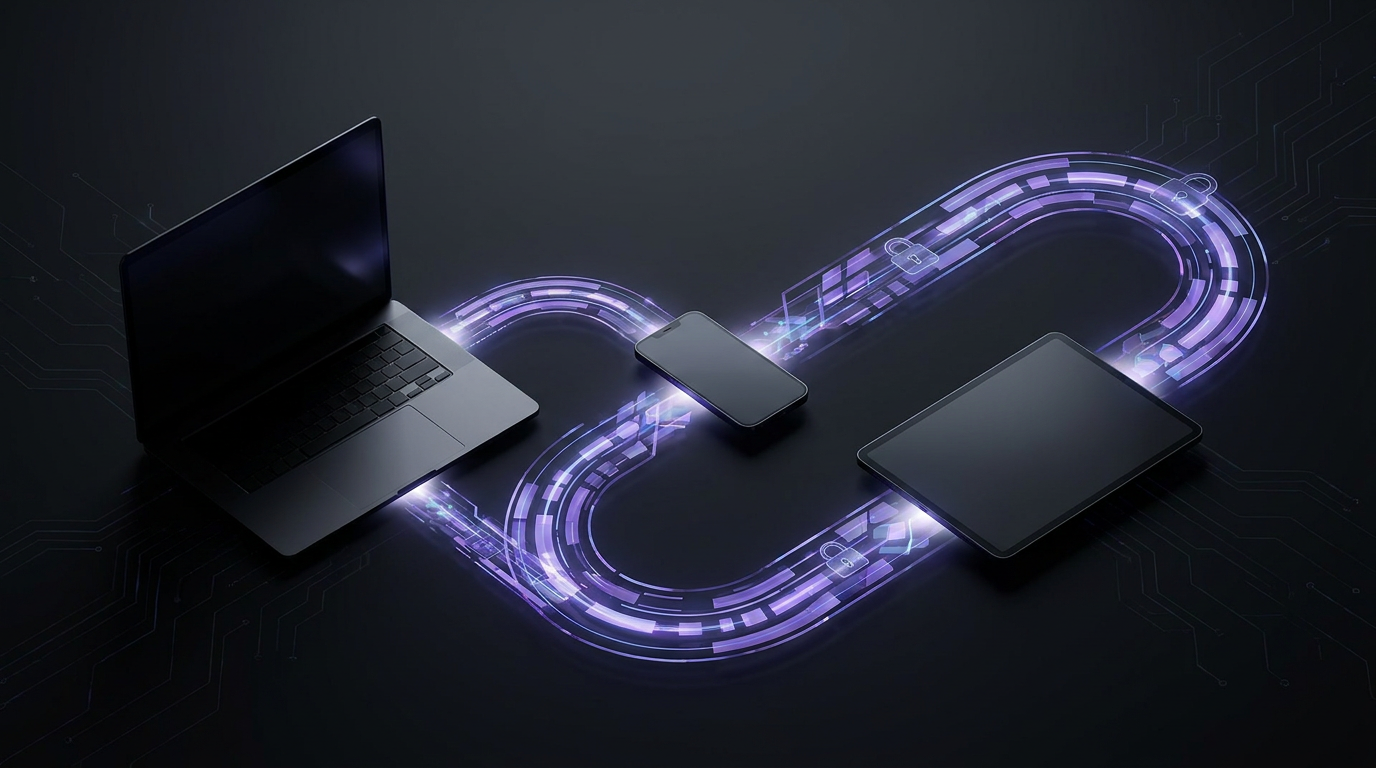
Automated Encrypted Sync: Maintaining Data Integrity Across Devices
Review local replica logs before initiating sync operations. Record transport payload formats, client timestamps, and cryptographic digest matches across each connected device. Compare recorded sync states against your verified data integrity requirements. Choose automated convergence pathways when offline replicas reconnect, ensuring validation routines check ciphertext structure prior to local state merge.
Organizing Projects Securely: The Case for Encrypted Kanban Boards
Audit task workflows to separate sensitive implementation notes from public tracking. Choose tools with verified client-side encryption for backlog cards holding architectural secrets. Review role boundaries, assign strict local vault passphrases, and eliminate shared plain text boards across distributed developer teams.
The Best Notejoy Alternatives in 2026: Speed Meets Zero-Knowledge Privacy
The best Notejoy alternatives in 2026 prioritize zero-knowledge encryption and offline-first speed. While Notejoy excels at team collaboration, users seeking higher privacy and faster retrieval are moving to tools like SimplyBoard for E2EE, or Obsidian for local markdown control. Speed and security are now the primary drivers for migration.
Zero-Knowledge Explained | How SimplyBoard Protects Your Data at the Source
Zero-knowledge encryption ensures that only you hold the keys to your data. By encrypting notes locally with AES-256-GCM and deriving keys via Argon2id, providers never see your plaintext. This architecture protects your privacy against server breaches and unauthorized access, ensuring your notes remain truly private and accessible only by you.
SimplyBoard vs Joplin | Encrypted Sync Without the Configuration Headache
In 2026, the best Joplin alternative for users seeking privacy without sync friction is SimplyBoard. While Joplin requires manual WebDAV or cloud configuration, SimplyBoard provides automatic zero-knowledge encryption (AES-256-GCM) with an offline-first IndexedDB cache. It offers a faster, search-first experience with integrated Kanban boards and canvases that Joplin lacks.
Obsidian vs Apple Notes | Finding the Middle Ground for Private PKM
In 2026, the Obsidian vs Apple Notes debate centers on the trade-off between power and speed. Obsidian offers local Markdown control and networked thought, while Apple Notes provides unmatched native speed. For those seeking a middle ground, SimplyBoard offers zero-knowledge encryption and instant search without the complexity of vault management.

The Best Obsidian Alternative for Frictionless Mobile Sync in 2026
The best Obsidian alternatives in 2026 prioritize seamless mobile sync and zero-knowledge encryption. While Obsidian excels at desktop research, its mobile experience often requires paid sync or complex workarounds. Alternatives like SimplyBoard offer browser-based, offline-first Markdown notes with AES-256 encryption, providing a faster, more reliable experience across all devices.
The Best Standard Notes Alternatives: Security Without the Complexity
Standard Notes alternatives in 2026 focus on bridging the gap between zero-knowledge security and visual productivity. While Joplin and Notesnook offer strong encryption, SimplyBoard provides a search-first, offline-first experience with kanban boards and canvases, ensuring your private data is both secure and highly functional across all your devices.
Notion Alternatives for Personal Use: The Best Privacy-First Tools for 2026
In 2026, the best Notion alternatives for personal use focus on privacy and speed. Tools like Obsidian offer local-only storage, while SimplyBoard provides zero-knowledge AES-256-GCM encryption with seamless sync. These alternatives prioritize offline-first access and search-first retrieval, avoiding the AI-training and cloud-dependency issues common in mainstream apps.
The Best Free Obsidian Sync Alternative: Secure Multi-Device Sync Without the Headache
The best free Obsidian sync alternative is Syncthing for Android users or iCloud for iOS, though both require manual setup. For a zero-config, encrypted experience, SimplyBoard provides a faster alternative using Argon2id and AES-256-GCM encryption, offering seamless multi-device sync and offline support without the technical hurdles of Git or third-party plugins.
The Best Secure Alternative to OneNote: Why Zero-Knowledge Beats Enterprise Cloud
The best alternative to OneNote in 2026 is a zero-knowledge, offline-first app like SimplyBoard. While OneNote offers a free-form canvas, it lacks client-side encryption. Modern alternatives provide AES-256-GCM encryption, instant fuzzy search, and flexible board/canvas views, ensuring your data remains private and accessible even without an internet connection.
Beyond the Password | Why Argon2id is the Gold Standard for Note Security
Argon2id note encryption is the current gold standard for securing private data. Unlike older methods, it is memory-hard, requiring significant RAM to process each password attempt. This makes it significantly more expensive for attackers to brute-force using GPUs, providing a robust defense for zero-knowledge note-taking apps.
The Top Evernote Competitors in 2026: Privacy and Speed Compared
In 2026, the best Evernote competitors focus on privacy, speed, and removing device limits. While Obsidian and Joplin offer local-first storage, SimplyBoard provides a zero-knowledge, client-side encrypted alternative that works offline-first. Users are increasingly choosing tools that prioritize Markdown portability and instant fuzzy search over legacy folder structures and intrusive AI.
Looking for a Simplenote Alternative? Fast Markdown with Total Privacy
Looking for Simplenote alternatives in 2026? While Simplenote is fast, it lacks end-to-end encryption. Modern alternatives like SimplyBoard provide the same instant fuzzy search and minimalist feel but add zero-knowledge AES-256-GCM encryption, offline-first reliability, and flexible Markdown support to keep your personal knowledge truly private and accessible.
The Best Evernote Alternative for 2026: No Device Limits, No AI Training
The best Evernote alternative in 2026 avoids device limits and AI data harvesting. While Notion and OneNote are popular, users seeking privacy and speed are turning to zero-knowledge, offline-first tools like SimplyBoard and Obsidian. These platforms ensure your notes remain encrypted, accessible across all devices, and protected from machine learning training.
SimplyBoard vs Asana | Minimalist Kanban for Private Task Management
A minimalist kanban board prioritizes speed and privacy by removing enterprise bloat. Unlike Asana or Trello, these tools focus on keyboard-driven navigation, offline-first performance, and zero-knowledge encryption. SimplyBoard offers a fast, private alternative for those who need to manage tasks without the distractions of complex project management suites.
Why Your Next Notes App Must Be Offline-First: Speed, Privacy, and IndexedDB Explained
A notes offline app uses offline-first architecture to store and encrypt data locally in the browser's IndexedDB. This ensures instant search and access without internet, while zero-knowledge encryption (AES-256-GCM) prevents service providers from reading your content. SimplyBoard provides this security, syncing encrypted data only when a connection is restored.
Looking for a Notion App Without AI? Why Privacy-First Users are Switching in 2026
In 2026, finding a Notion app without AI requires switching to local-first or zero-knowledge tools. While Notion lacks an AI-free version, alternatives like Obsidian and SimplyBoard offer private environments. These apps prevent data training by using local storage or client-side encryption, ensuring your notes remain inaccessible to LLM providers.
Miro vs Notion: Choosing a Visual Workspace That Won't Leak Your Data
In 2026, Miro excels at real-time visual collaboration and workshops, while Notion is superior for structured, hierarchical documentation. However, both lack zero-knowledge encryption. For users prioritizing privacy and speed, SimplyBoard offers a client-side encrypted alternative that combines canvas views with instant, search-first retrieval and offline-first performance.
The Best Free Evernote Replacement of 2026: No Device Limits, Total Privacy
A free Evernote replacement in 2026 must offer multi-device sync and robust privacy without restrictive note limits. Top choices include Joplin for open-source power, Obsidian for local-first Markdown, and SimplyBoard for zero-knowledge encrypted sync. Prioritize apps using client-side encryption and standard export formats to ensure long-term data ownership.
Visual Thinking in Private | Why Your Canvas Needs Zero-Knowledge Encryption
Private visual whiteboarding combines the spatial freedom of an infinite canvas with zero-knowledge encryption. Unlike standard cloud tools, these platforms encrypt data on your device using AES-256-GCM and Argon2id. This ensures that only you can access your sketches, flowcharts, and Kanban boards, providing a secure environment for sensitive intellectual property.
Joplin vs SimplyBoard | Encrypted Sync Without the Configuration Headache
Joplin alternative sync friction usually stems from manual WebDAV or Dropbox configuration. SimplyBoard solves this by providing seamless, zero-knowledge encrypted sync out-of-the-box. Using AES-256-GCM and an offline-first architecture, it eliminates setup headaches while maintaining the privacy of a self-hosted solution without the technical overhead or sync conflicts.

Why Students are Switching to Private, Offline-First Note Taking Apps in 2026
In 2026, students are prioritizing privacy and speed. The best note taking apps for students now feature zero-knowledge encryption and offline-first architecture to protect intellectual property. By using tools that offer client-side encryption and fuzzy search, students can maintain a fast, secure research environment that works without a constant internet connection.
Looking for a Private Notes Website? How Zero-Knowledge Encryption Protects Your Data
A private notes website uses zero-knowledge encryption to ensure only you can access your data. By encrypting notes in the browser using Argon2id and AES-256-GCM before syncing to the cloud, these platforms prevent service providers and hackers from reading your content, offering a secure alternative to traditional cloud-hosted apps.
The Best Evernote Alternative for 2026: Why Search-First Retrieval Beats Folders
The best Evernote alternative in 2026 depends on your priority: Notion for databases, Obsidian for local Markdown files, or SimplyBoard for search-first, zero-knowledge encrypted notes. Modern users are moving away from slow, folder-heavy legacy apps toward fast, offline-first tools that prioritize instant fuzzy search and client-side privacy.
SimplyBoard vs Asana | Why Simple Search Beats Complex Project Hierarchies
Asana is built for enterprise teams, but for personal use, its complex hierarchy often causes friction. A search-first Asana alternative like SimplyBoard prioritizes speed and privacy, using zero-knowledge encryption and instant fuzzy search to replace rigid folders, making it a faster, more secure choice for individual project management.
SimplyBoard vs Obsidian: Which Second Brain is Faster in 2026?
In 2026, the choice between Obsidian and SimplyBoard depends on your tolerance for sync friction. Obsidian offers total local control but requires manual sync management or a paid subscription. SimplyBoard provides zero-knowledge AES-256 encryption with seamless, offline-first sync and instant search, making it the faster choice for multi-device workflows.

From Kanban to Canvas | Visualizing Your Knowledge Without Privacy Tradeoffs
In 2026, the best visual note taking app balances spatial freedom with zero-knowledge privacy. Tools like SimplyBoard allow users to switch between list, Kanban board, and canvas views while ensuring all data is client-side encrypted using AES-256-GCM and Argon2id, preventing service providers from accessing sensitive personal knowledge.

Top OneNote Alternatives for 2026: Why Markdown and Offline-First Win
In 2026, the best OneNote alternatives focus on Markdown portability and offline-first reliability. While Notion leads for databases and Obsidian for local-first power users, SimplyBoard offers a fast, zero-knowledge encrypted alternative that combines the flexibility of boards and canvases with the speed of instant, client-side search.
The Best Offline Notes App for Chromebook: Private, Encrypted, and Fast
The best offline notes app for Chromebook is an offline-first PWA like SimplyBoard, which uses client-side encryption (AES-256-GCM) and IndexedDB for instant, private access without Wi-Fi. While Google Keep offers basic offline support, it lacks the zero-knowledge security and advanced organization required for professional personal knowledge management.
Looking for a Secure Replacement for OneNote? Why Data Ownership Matters in 2026
A secure replacement for OneNote in 2026 requires moving from proprietary .one files to open Markdown standards and zero-knowledge encryption. While Notion and Obsidian are popular, privacy-focused users should prioritize client-side encryption (AES-256-GCM) and memory-hard key derivation (Argon2id) to ensure total data ownership and offline-first reliability.

The Power of IndexedDB | How SimplyBoard Stays Fast Without a Connection
An offline-first notes app uses local browser storage like IndexedDB to store data on your device, allowing for instant loading and full functionality without an internet connection. Unlike cloud-only apps, it prioritizes local performance and uses background synchronization to update the server, ensuring your notes are always accessible and private.
Evernote vs Simplenote: Why Speed Shouldn't Sacrifice Security in 2026
Evernote offers rich formatting and partial encryption but suffers from bloat and high costs. Simplenote provides unmatched speed and simplicity but lacks end-to-end encryption, making it insecure for sensitive data. SimplyBoard bridges this gap, offering zero-knowledge AES-256-GCM encryption with the instant, offline-first performance that modern power users require.

The Best OneNote Alternatives for Users Who Value Data Ownership
Looking for a replacement for OneNote in 2026? The best alternatives prioritize data ownership through Markdown support and offline-first architecture. Tools like Obsidian, Joplin, and SimplyBoard offer enhanced privacy with zero-knowledge encryption, ensuring your notes remain accessible and secure without the proprietary lock-in of the Microsoft ecosystem.
SimplyBoard vs Obsidian | Why an Integrated Mobile Experience Wins
Obsidian mobile can be slow due to plugin-heavy startup and complex sync setups. A modern Obsidian mobile alternative like SimplyBoard offers instant access via an encrypted IndexedDB cache, search-first navigation, and zero-knowledge AES-256-GCM encryption, providing a faster and more seamless multi-device experience for private note-taking in 2026.

AES-256-GCM | Why Your Notes App Needs Authenticated Encryption
AES-256-GCM is an authenticated encryption mode that ensures both the privacy and integrity of your notes. Unlike standard encryption used by Google or Apple, a zero-knowledge AES-256-GCM app encrypts data locally on your device using keys derived via Argon2id, ensuring the service provider can never access your content.
Markdown vs Proprietary Formats | Avoiding Note App Lock-In in 2026
Markdown notes export is the process of converting proprietary app data into plain-text files. In 2026, apps like Apple Notes (iOS 26) have added native Markdown support, while others like OneNote still require complex workarounds. Using Markdown ensures long-term data portability and prevents vendor lock-in for your personal knowledge.
How IndexedDB Powers Instant Search | The Tech Behind Offline-First Notes
An IndexedDB notes app uses the browser's built-in database to store data locally, enabling instant search and offline functionality. Unlike cloud-only apps, it eliminates loading times by querying data directly from your device. When combined with client-side encryption, it provides a fast, private, and durable way to manage personal knowledge.
SimplyBoard vs Miro vs Trello | Visual Thinking With Total Privacy
Private visual note taking combines spatial organization with zero-knowledge encryption. Unlike Miro or Trello, SimplyBoard encrypts every card and board locally using AES-256-GCM before syncing. This offline-first approach ensures that sensitive research, project plans, and intellectual property remain inaccessible to service providers while maintaining the flexibility of a canvas.
Fuzzy Search vs Manual Tagging | The Future of Retrieval-Based PKM
Fuzzy search notes apps prioritize retrieval speed over manual organization. By using approximate string matching, these tools allow you to find information instantly without the friction of tagging or folders. This search-first approach, combined with client-side encryption, offers a faster and more private way to manage personal knowledge in 2026.

The Best Second Brain App for People Who Value Retrieval Over Organization
In 2026, the best second brain app is defined by retrieval speed and privacy rather than complex organization. While tools like Obsidian and Notion offer deep structure, search-first apps like SimplyBoard provide faster access through fuzzy search and zero-knowledge encryption, ensuring your notes are both instant and private.
Trello Alternative DSGVO: Why Zero-Knowledge Encryption is the Ultimate Compliance Strategy
A DSGVO-compliant Trello alternative must go beyond European hosting to include zero-knowledge encryption. By using client-side encryption (AES-256-GCM), tools like SimplyBoard ensure the provider cannot access your data, mathematically fulfilling GDPR requirements and protecting against unauthorized international data transfers or server-side breaches.
Looking for an Assetnote Alternative? Secure Your Research with Zero-Knowledge Notes
Looking for an Assetnote alternative for research management? In 2026, security researchers need zero-knowledge, client-side encrypted snippet managers. SimplyBoard provides a fast, offline-first environment with AES-256-GCM encryption and Argon2id key derivation, ensuring your exploit research and sensitive snippets remain private, searchable, and SOC 2 compliant.
Argon2id vs PBKDF2 | Why Your Encryption Key Derivation Matters
Argon2id is the modern gold standard for key derivation, offering superior resistance to GPU and ASIC brute-force attacks compared to the older PBKDF2 standard. By incorporating memory-hard requirements, Argon2id ensures that your private notes remain secure even against sophisticated hardware, making it the essential choice for zero-knowledge encryption in 2026.
Multi-Device Sync Without the Privacy Risk: How to Keep Notes in Sync Securely
Multi-device sync allows you to access notes across phones and laptops, but standard cloud sync often exposes your data to providers. For secure syncing, use apps with client-side encryption (AES-256-GCM) and Argon2id key derivation. This ensures your data is encrypted locally before syncing, maintaining privacy without sacrificing speed.
Notion vs Miro: Which Visual Workspace Actually Protects Your Data?
Notion excels at structured databases and documentation, while Miro is the leader for freeform visual whiteboarding. However, both lack client-side encryption. For users prioritizing privacy, SimplyBoard offers a zero-knowledge alternative with boards, canvases, and instant search, ensuring your data is encrypted locally before reaching any server.
Argon2id | The Gold Standard for Note Security
Argon2id is the modern, memory-hard standard for key derivation, offering superior resistance to GPU-based brute-force attacks compared to the legacy PBKDF2. While PBKDF2 remains common for compliance, Argon2id is the gold standard for zero-knowledge notes apps, ensuring that encryption keys are derived securely on the client side.

Encrypted Sync Without Plugins | SimplyBoard vs Obsidian
To get encrypted sync without plugins in 2026, use a native zero-knowledge app like SimplyBoard. It uses AES-256-GCM and Argon2id to encrypt notes in the browser, providing an offline-first experience that syncs across devices automatically, avoiding the $4/month Obsidian Sync fee or complex CouchDB setups.
Why Offline-First is Better Than Cloud-Sync | The SimplyBoard Architecture
Offline-first notes apps prioritize local storage using IndexedDB, ensuring instant search and editing without internet dependency. Unlike cloud-sync apps like Evernote, they offer zero-latency performance and enhanced privacy through client-side encryption, where data is encrypted on your device before syncing, giving you full ownership of your information.

SimplyBoard vs Standard Notes vs Obsidian | Encryption Meets Usability
Standard Notes offers seamless, built-in encryption but lacks flexible organization. Obsidian provides powerful local-first linking and plugins but requires manual effort for secure sync. SimplyBoard bridges this gap, offering zero-knowledge AES-256 encryption with an offline-first, search-heavy workflow that supports lists, boards, and canvases without the configuration overhead.
The Keyboard-First Workflow | How to Navigate Your Brain at the Speed of Thought
A keyboard-first productivity app eliminates the friction of mouse navigation, allowing users to achieve a flow state through command palettes, fuzzy search, and global hotkeys. By prioritizing speed and offline-first architecture, these tools enable instant note retrieval and task management, transforming knowledge management into a seamless extension of the thinking process.
From Lists to Canvases | Visual Note Taking with Total Privacy
Visual note taking app privacy requires client-side encryption (AES-256-GCM) and zero-knowledge architecture. While tools like Miro and Heptabase offer visual flexibility, true privacy ensures the provider cannot access your data. SimplyBoard bridges this gap with an offline-first, encrypted canvas that keeps your mental maps confidential and searchable.

Beyond the Default | The Best Secure Alternatives to Apple Notes in 2026
A secure alternative to Apple Notes requires zero-knowledge, client-side encryption (AES-256-GCM) and cross-platform Markdown support. While Apple Notes offers Advanced Data Protection, it is opt-in and platform-locked. Privacy-first tools like SimplyBoard provide instant search, offline-first sync, and guaranteed data sovereignty through memory-hard Argon2id key derivation, ensuring only you can access your notes.
The Offline-First Advantage | Why Your Kanban Board Should Work Anywhere
An offline-first kanban board uses local storage like IndexedDB to allow full functionality without an internet connection. Unlike cloud-only tools like Trello or Notion, offline-first apps provide instant UI feedback and use background synchronization with last-write-wins conflict resolution to ensure data consistency and prevent work loss during connectivity drops.

The Math of Privacy | How Argon2id and AES-256-GCM Protect Your Notes
An Argon2id notes app uses memory-hard key derivation to protect your data from brute-force attacks. By combining Argon2id with AES-256-GCM encryption, these apps ensure that notes are encrypted locally on your device. This zero-knowledge approach means only you hold the keys to your personal knowledge and private thoughts.
SimplyBoard vs Obsidian | Syncing Your Second Brain Without the Friction
An Obsidian sync alternative provides a way to keep notes updated across devices without paying for Obsidian Sync or managing manual Git/cloud setups. Modern alternatives use zero-knowledge, client-side encryption (AES-256) to offer the privacy of a local vault with the seamless, automatic synchronization of a cloud-native application.
Why Your Notes App Shouldn't Be Training AI on Your Data
A notes app without AI training uses client-side encryption (zero-knowledge) to ensure your data is never readable by the provider. By encrypting notes with AES-256-GCM and Argon2id before they reach the server, these apps physically prevent your content from being ingested into LLM training sets or generative AI models.
Enterprise-Grade Privacy | Why SOC 2 and ISO 27001 Matter for Your Notes
A SOC 2 compliant notes app provides audited proof that a company follows strict security, confidentiality, and privacy controls. Unlike standard apps, these tools undergo independent audits to verify their infrastructure and data handling, ensuring your personal or professional notes are protected by enterprise-grade operational standards and encryption.

SimplyBoard vs Obsidian vs Apple Notes | Finding the Middle Ground
Obsidian offers power but suffers from slow mobile startup and sync costs. Apple Notes is fast but lacks cross-platform privacy and advanced structure. SimplyBoard provides a middle ground, combining instant-on mobile speed and offline-first reliability with zero-knowledge AES-256 encryption and a search-first workflow for professional knowledge management.

Visual Thinking in Private | Using Canvas and Board Views for Brainstorming
A private digital whiteboard provides a spatial canvas for brainstorming without exposing sensitive data to cloud providers. By using client-side encryption and offline-first architecture, tools like SimplyBoard allow you to map complex ideas, manage boards, and organize knowledge with zero-knowledge security, ensuring your intellectual property remains completely private.
Hardening Your Data | Why Argon2id Matters for Note Privacy
Argon2id is a memory-hard key derivation function that protects encrypted notes from brute-force attacks. Unlike older methods, it requires significant RAM to process, making it nearly impossible for attackers to use GPUs to guess passwords. It is the current gold standard for zero-knowledge, client-side encrypted applications in 2026.
Why Reddit is Searching for Notion Alternatives Without AI (and What to Use)
Reddit users are increasingly seeking Notion alternatives without AI due to privacy concerns and interface bloat. Top recommendations include Obsidian for local-first storage and SimplyBoard for zero-knowledge encryption. These tools prioritize data sovereignty, ensuring personal notes aren't used for AI training while maintaining fast, database-driven workflows.
The Best Encrypted Notes App for Android and iOS: Secure Your Mobile Brain
The best encrypted notes app for Android and iOS uses zero-knowledge encryption (AES-256) to ensure only you can read your data. Leading options in 2026 include Scrib for offline-only use, Obsidian for local-first Markdown, and SimplyBoard for a fast, browser-encrypted, offline-first experience that works across all mobile devices.
Looking for an Open Source Alternative to OneNote? Try Zero-Knowledge Encryption Instead
Looking for an open source alternative to OneNote? Top choices include Joplin for Markdown-based syncing and Logseq for privacy-first outlining. For those seeking zero-knowledge encryption without the complexity of self-hosting, tools like SimplyBoard provide client-side AES-256 encryption, ensuring your notes remain private and accessible even offline.
The Best All-in-One Workspace Apps of 2026: Beyond the Bloat
The best all-in-one workspace apps in 2026 prioritize speed, privacy, and multi-view flexibility. By consolidating notes, tasks, and visual boards into a single, client-side encrypted environment like SimplyBoard, users eliminate app-switching friction. These tools offer fast, offline-first alternatives to bloated legacy platforms, ensuring data remains private and instantly searchable.
The Best Private Notes App for Windows: Why Encryption Standards Matter in 2026
A private notes app for Windows ensures security by using client-side encryption (AES-256-GCM) and memory-hard key derivation (Argon2id). Unlike standard cloud apps, zero-knowledge tools encrypt data on your device before syncing, meaning the provider cannot access your content. This architecture protects against data breaches, insider threats, and unauthorized surveillance.
Migrating from Notion to OneNote? Why You Might Want a Simpler Path
Migrating from Notion to OneNote in 2026 requires exporting your workspace as Markdown/CSV and using third-party tools like OneNote Batch, as there is no native importer. The process often loses database functionality and image links. For a faster, private alternative, SimplyBoard offers zero-knowledge encryption and instant search.
The Best Free Alternative to OneNote for Privacy-Conscious Users in 2026
The best free alternative to OneNote in 2026 focuses on zero-knowledge encryption and offline-first performance. While OneNote suffers from sync lag and cloud dependency, alternatives like SimplyBoard, Joplin, and Obsidian offer instant search and local-first storage, ensuring your notes remain private and accessible without an active internet connection.

What Makes a Private Notes App Actually Private? 2026 Security Standards
A truly private notes app uses zero-knowledge, client-side encryption (AES-256-GCM) and memory-hard key derivation (Argon2id). This ensures that only the user can decrypt their data, as the service provider never sees the password or the unencrypted notes. Security is further enhanced by offline-first architecture and local database caching.
SimplyBoard vs Joplin | Encrypted Notes Without the Sync Friction
Joplin offers an open-source, local-first experience with extensive plugin support, while SimplyBoard provides a faster, browser-based alternative with zero-configuration AES-256-GCM encryption. SimplyBoard eliminates sync friction and manual encryption setup, offering a search-first, keyboard-optimized workflow that works offline and syncs seamlessly across all devices without third-party cloud configuration.
Offline-First Notes | Why SimplyBoard Works With No Connection
An offline-first notes app stores data locally on your device, ensuring instant speed and full functionality without an internet connection. Unlike cloud-only apps, it uses local databases to eliminate latency and enable zero-knowledge encryption, syncing changes to the cloud only when a connection is available for seamless, private cross-device access.

How SimplyBoard Encrypts Your Notes | Zero-Knowledge, Explained Simply
Zero knowledge notes encryption ensures that only the user can decrypt their data. By encrypting content on the client side using AES-256-GCM and deriving keys with Argon2id, service providers are technically unable to access your notes. This architecture prevents data breaches and unauthorized access by the hosting company.
The Best Private, Encrypted Note Apps in 2026
The best encrypted notes apps in 2026 are SimplyBoard, Standard Notes, and Joplin. These tools provide zero-knowledge encryption, ensuring only you hold the keys to your data. While Obsidian offers local-first privacy, apps like SimplyBoard combine this security with seamless cloud sync and advanced views like boards and canvases.
SimplyBoard vs Joplin | Encrypted Notes Without the Friction
Joplin is a powerful open-source tool, but users often seek alternatives like SimplyBoard or Obsidian for better mobile experiences and easier sync. SimplyBoard offers zero-knowledge AES-256 encryption by default with no configuration required, making it a faster, more modern alternative for users who prioritize both privacy and ease of use.
SimplyBoard vs Standard Notes | Encrypted Notes Compared
Standard Notes is a leading end-to-end encrypted note app, but users often seek alternatives like SimplyBoard for faster search and visual organization. While Standard Notes excels in longevity, SimplyBoard provides a more versatile experience with Kanban boards, canvas views, and instant fuzzy search, all protected by zero-knowledge AES-256-GCM encryption.
SimplyBoard vs Google Keep | Private Notes That Are Not an Ad Product
Google Keep lacks end-to-end encryption, meaning Google holds the keys to your data. For a private alternative, SimplyBoard provides zero-knowledge AES-256-GCM encryption, ensuring only you can read your notes. It combines the speed of Keep with offline-first reliability and advanced views like Kanban and Canvas, all while maintaining strict user privacy.
SimplyBoard vs Apple Notes | When You Outgrow the Default
Apple Notes is a powerful default, but users often seek alternatives for better cross-platform support, advanced organization like kanban boards, and true zero-knowledge privacy. SimplyBoard offers a fast, client-side-encrypted alternative that works offline and across all devices, providing the professional features Apple Notes lacks while maintaining a minimalist, keyboard-first experience.
SimplyBoard vs Evernote | A Faster, Private Alternative
In 2026, the best Evernote alternative for privacy is a zero-knowledge, client-side encrypted app like SimplyBoard. While Evernote offers superior web clipping, it lacks the AES-256-GCM encryption and offline-first speed required by privacy-conscious users. Switching ensures your notes remain unreadable by providers and accessible without an internet connection.
SimplyBoard vs Obsidian | Encrypted Notes Without the Setup
Obsidian is excellent for local-file control, but SimplyBoard provides a faster, zero-setup alternative for encrypted notes. SimplyBoard uses client-side AES-256-GCM encryption and Argon2id key derivation to ensure your notes are private by default, offering instant sync and offline-first access without the complexity of managing a local vault or plugins.
SimplyBoard vs Notion | Which Is Better for Private Notes in 2026?
A private Notion alternative requires client-side, zero-knowledge encryption where the provider cannot access your data. While Notion excels at team collaboration, SimplyBoard provides AES-256-GCM encryption, offline-first access, and instant fuzzy search. For users prioritizing privacy and speed over complex databases, SimplyBoard is the superior choice in 2026.
The Best Notion Alternatives Without AI: Privacy-First Productivity in 2026
In 2026, the best Notion alternatives without AI focus on privacy, speed, and offline-first reliability. Tools like SimplyBoard, Obsidian, and Standard Notes provide distraction-free environments with zero-knowledge encryption, ensuring your data remains private while offering the flexibility of boards, lists, and canvases without the bloat of generative AI.
The Fastest Notepad App for 2026: Why Offline-First Matters for Your Ideas
The fastest notepad app for 2026 utilizes an offline-first architecture to ensure instant loading and data integrity. By leveraging local-first storage like IndexedDB and client-side AES-256-GCM encryption, tools like SimplyBoard allow you to capture ideas without lag or privacy risks, syncing seamlessly via a last-write-wins protocol.

What are Zero-Knowledge Notes? Why Your App Shouldn't Know Your Password
Zero-knowledge notes use client-side encryption to ensure only you can access your data. By encrypting notes on your device with keys derived from your password, the service provider never sees your plain text. This architecture prevents data breaches and unauthorized access but means the provider cannot reset lost passwords.

Is Your Notes App Built on Critical Infrastructure? Why SOC 2 and ISO Matter
Critical infrastructure in cyber security refers to the essential systems · like power, finance, and data centers · that sustain society. For note-taking, it means using SOC 2 and ISO-certified servers combined with client-side encryption. This ensures your private data remains inaccessible to providers and resilient against infrastructure-level breaches or unauthorized access.
The Best Encrypted Notes App in 2026: A Complete Guide to Privacy
In 2026, the best encrypted notes app is SimplyBoard for speed and zero-knowledge security, or Standard Notes for audited longevity. Unlike Notion or Google Keep, these apps use client-side encryption (AES-256-GCM), ensuring only you hold the keys to your data, protecting you from breaches and provider surveillance.

The Best Notes App for Privacy in 2026
The best notes app for privacy in 2026 uses zero-knowledge, client-side encryption. Unlike mainstream apps that hold your decryption keys, zero-knowledge apps like SimplyBoard ensure only you can read your notes using AES-256-GCM and Argon2id. This guide ranks apps by security levels, from marketing promises to true mathematical privacy.
Can Anyone Else Read My Notes? The Honest Answer
In most popular apps, yes · employees or hackers can technically read your notes. However, in a zero-knowledge app like SimplyBoard, your data is encrypted on your device using AES-256-GCM before it is ever synced. This means no one, not even the developers, can read your content without your password.
Is Encrypting My Notes Overkill? A Practical Take
Encryption is not overkill; it is a baseline for digital safety. Most people store more sensitive data · passwords, API keys, and private thoughts · than they realize. Modern encryption like AES-256-GCM is now so fast that there is no performance penalty for choosing a private, zero-knowledge notes app.
What If I Forget My Password? The Truth About Encrypted Notes
In a zero-knowledge encrypted notes app, forgetting your password means your data is unrecoverable by the provider. Because keys are derived locally, there is no "reset" link for your content. To stay safe, you must use a password manager, a physical backup, or a one-time recovery code.
How Certified Infrastructure and Client-Side Encryption Protect Your Data
Certified infrastructure (SOC 2, ISO 27001) protects the physical and operational integrity of your data, while client-side encryption (AES-256-GCM) ensures that only you can read it. SimplyBoard combines both to provide a zero-knowledge environment where your notes remain private even if the server is compromised.
Best Note Taking App 2026: Fast, Private & Simple
In 2026, the best note-taking apps prioritize speed, privacy, and simplicity. While Notion leads for team collaboration and Obsidian for local-first PKM, SimplyBoard is the top choice for users needing instant search and zero-knowledge encryption. This guide compares the top contenders to help you find your perfect workflow.
Why We Built SimplyBoard
SimplyBoard was built to solve the friction between speed and security in note-taking. We replaced the messy, unencrypted "notes.txt" file with a zero-knowledge, client-side encrypted knowledge base. It offers instant fuzzy search, keyboard-first navigation, and offline-first architecture, ensuring your sensitive snippets and thoughts remain private, searchable, and accessible anywhere.
Client-Side Encryption: How We Protect Your Data
Client-side encryption (CSE) ensures your notes are encrypted on your device using AES-256-GCM before they reach our servers. By using Argon2id for local key derivation, SimplyBoard creates a zero-knowledge environment where only you hold the keys, protecting your data from server breaches, insider threats, and unauthorized access.
Enterprise Security at Startup Speed
Enterprise security at startup speed is achieved by integrating zero-knowledge encryption and SOC 2-compliant infrastructure into the development lifecycle. By using client-side AES-256-GCM encryption and Argon2id key derivation, SimplyBoard ensures data remains private while maintaining the high shipping velocity required by modern startups and developers.
How to Securely Store API Keys and Secrets
To securely store API keys, use environment variables for local development and dedicated secrets managers like AWS Secrets Manager for production. For personal reference and developer snippets, use a client-side encrypted notes app like SimplyBoard to ensure your secrets are never stored in plain text or accessible by third parties.
Why You Should Encrypt Your Notes
Encryption is essential because it ensures your notes remain private even in the event of a data breach, insider threat, or government subpoena. By using client-side, zero-knowledge encryption, you maintain total control over your intellectual property, ensuring that no third party · including the app provider · can ever read your content.