Product & Philosophy
The ideas behind the product · plain text, local-first architecture, personal knowledge management, and a bias for shipping simple software.
52 articles
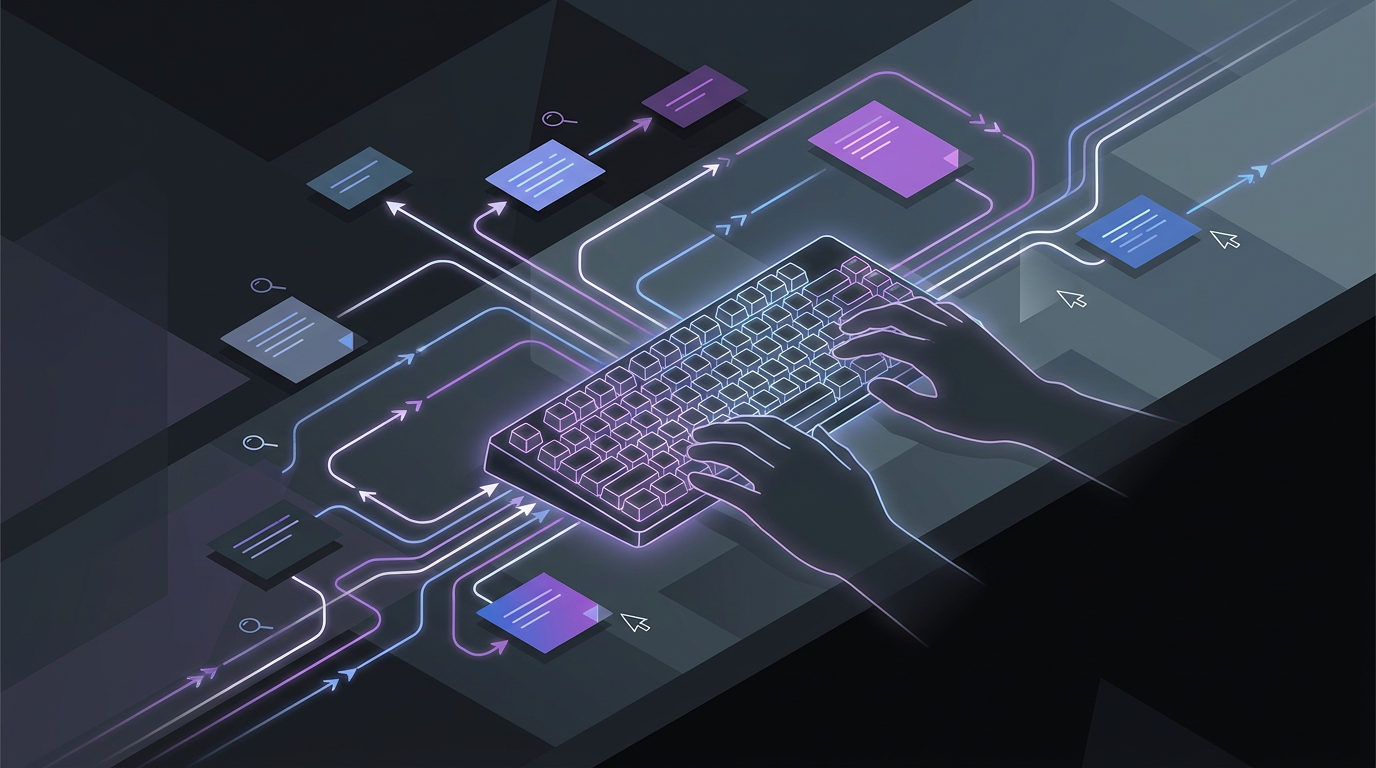
Keyboard navigation for note taking apps: moving, finding and editing notes
Keyboard navigation lets you move between a note app’s sidebar and note list without a mouse. Agenda’s Open Quickly menu finds notes, projects and overviews through typed searches. Apple Notes lets you begin editing a selected note from the keyboard.
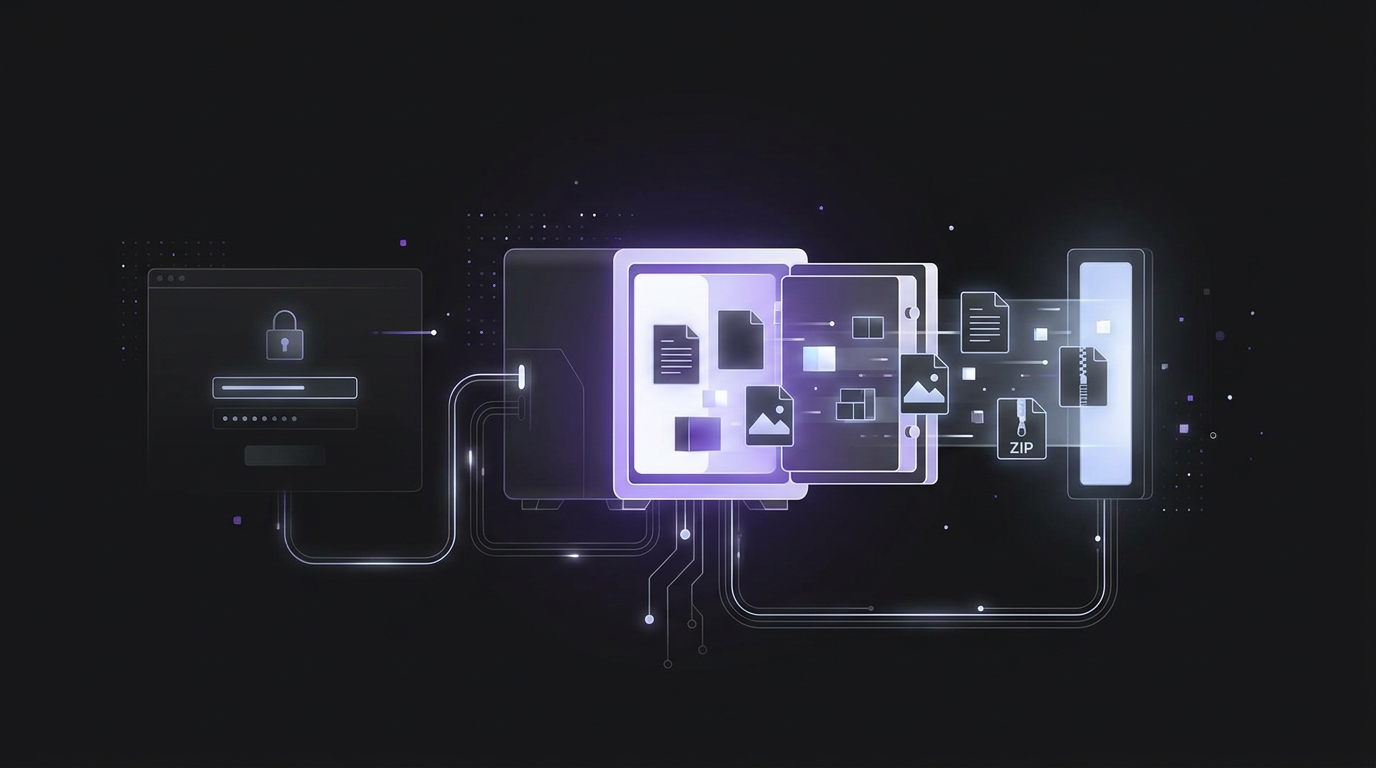
Exporting notes from an unlocked vault: formats, attachments and password prompts
To export notes from an unlocked vault, use the app's export tool to save your vault data. Bitwarden offers plaintext CSV and JSON files, encrypted JSON files, and ZIP files with attachments. For local note vaults, copy the note files and their attachments folder into the new vault.
Keyboard shortcuts for note-taking apps: which keys help you capture and find notes?
Keyboard shortcuts let you handle daily note-taking tasks while keeping your hands on the keys. They also offer an essential way to use OneNote without a mouse for people with mobility or vision disabilities.

How to export Markdown from Notion, from page downloads to API access
To export Markdown from Notion, select Markdown & CSV in the page export menu and download the resulting zip file. For automated exports, Notion's Markdown Content API can retrieve a page's full content in a single call.

Which tools suit field engineers working offline?
Choose field engineer productivity tools around mobile work orders with offline access to site records. Preventive calls offline support essential for most mobile work order deployments. For reporting, look for forms with photos, asset scans, signatures, offline mode, and controlled sync.

Can companies read your notes? Cloud apps, employers and encryption explained
Most cloud note apps give their provider a technical route to read your notes, even when access is restricted. On personal phones, Apple and Android management controls block employers from reading personal notes. A provider that can reset your password and return your existing notes can reach the key needed to read them.
Why Obsidian Mobile Loads Slowly and How to Fix It
Obsidian mobile can load slowly when iCloud must download files that are no longer stored on your phone. Heavy community plugins can also delay startup. Open notes that need plugins to render add to workspace load time.
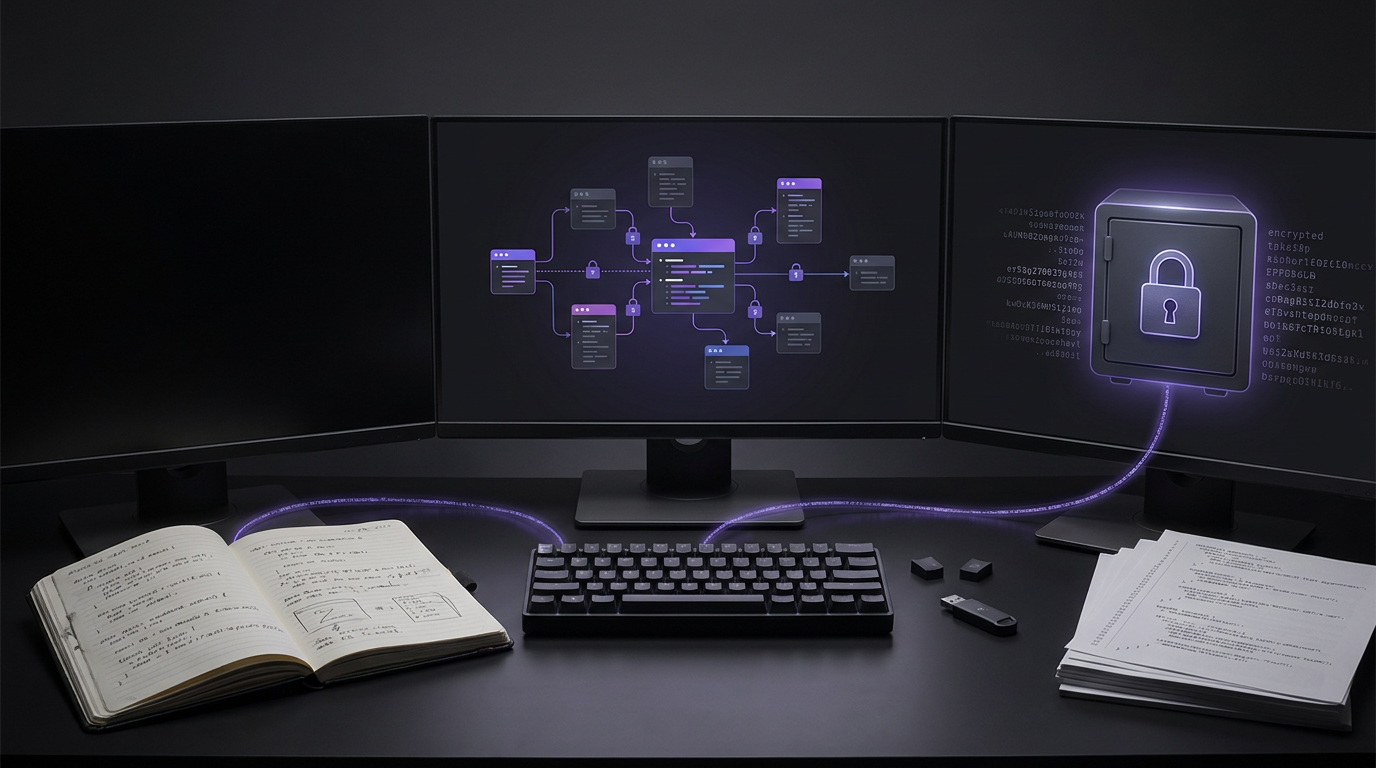
Best Developer Tools for Note Taking: Local Files, Team Wikis and Encrypted Snippets
The best developer note-taking tools support highlighted code blocks, portable Markdown files and links between notes. Obsidian stores notes as plain Markdown files on your device. Both Obsidian and Logseq give you local ownership of your notes and work offline.
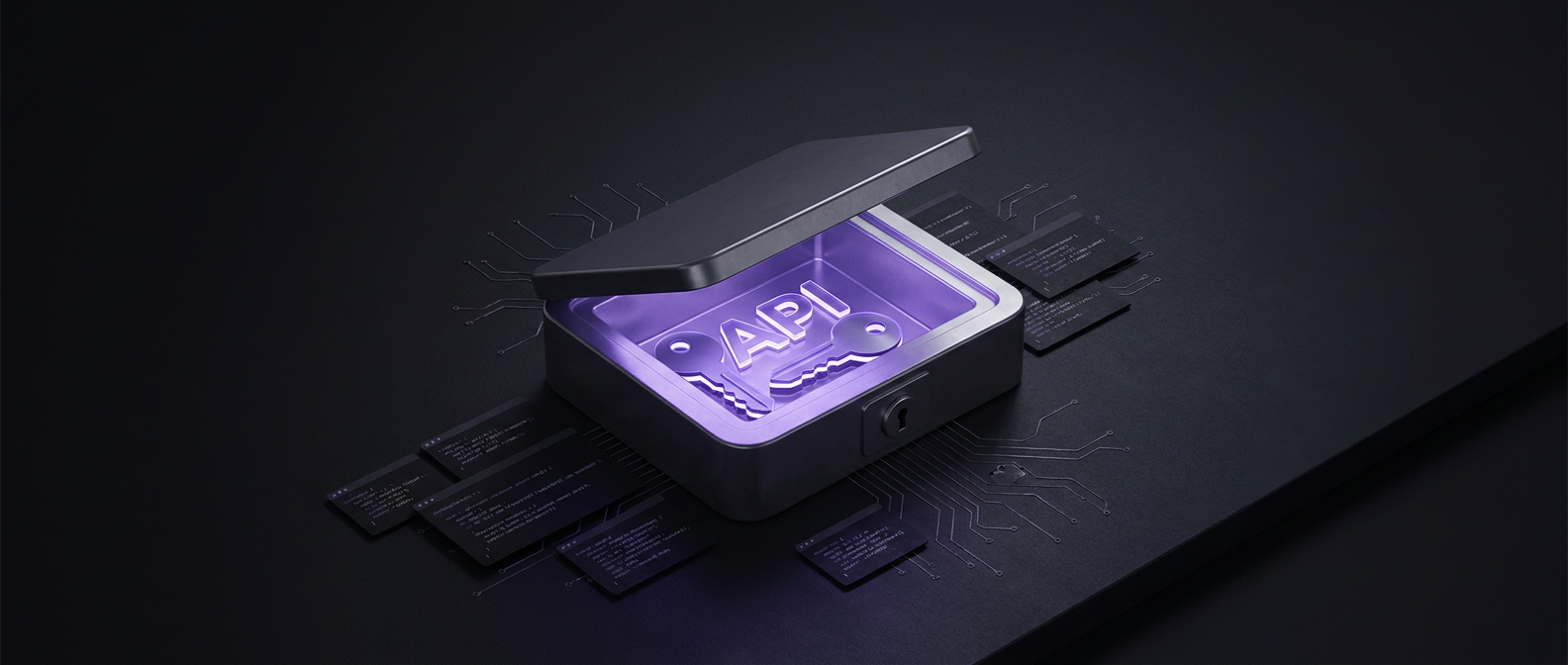
How to Store API Keys Safely in Notes and Code
Store API keys with proven encryption such as AES-GCM, rather than leaving them as plain text strings in code. SimplyBoard encrypts entry content with AES-256-GCM on your device before it syncs.

How do you choose an app like OneNote?
Catalogue your exact formatting prerequisites, such as handwriting, freeform canvas arrangement, section tabs, or text hierarchy, across each daily device. Compare alternative tools against export portability, offline sync reliability, and encryption boundaries rather than surface visual familiarity alone.

Which software syncs well across multiple devices?
Evaluate candidate multi-device synchronization tools by matching your operating systems, storage budgets, and conflict requirements against specific architectural models. Verify transport layers, local storage paths, and collision detection rules across each target device before selecting production software for ongoing workflows.
Which apps are similar to Notion without AI?
Audit your core workspace needs between structured databases, collaborative documents, and isolated note storage across candidate platforms. Test candidate tools against your privacy baseline without enabled machine learning settings or automated background text processors.

Which local note apps offer an offline feed like Telegram Saved Messages?
Test offline feed capture using local storage mechanisms and verify file attachments open smoothly without relying on active network access. Compare benchmark retrieval times across chronological feeds and document whether attachment pointers maintain integrity inside your local vault configuration.

What note taking apps work offline for fieldwork in areas with bad signal?
Choose offline note taking applications by verifying that text creation and local search continue functioning smoothly while operating under flight mode. Review local data structures across your field tablets to confirm records persist safely without depending on an active cellular network uplink.
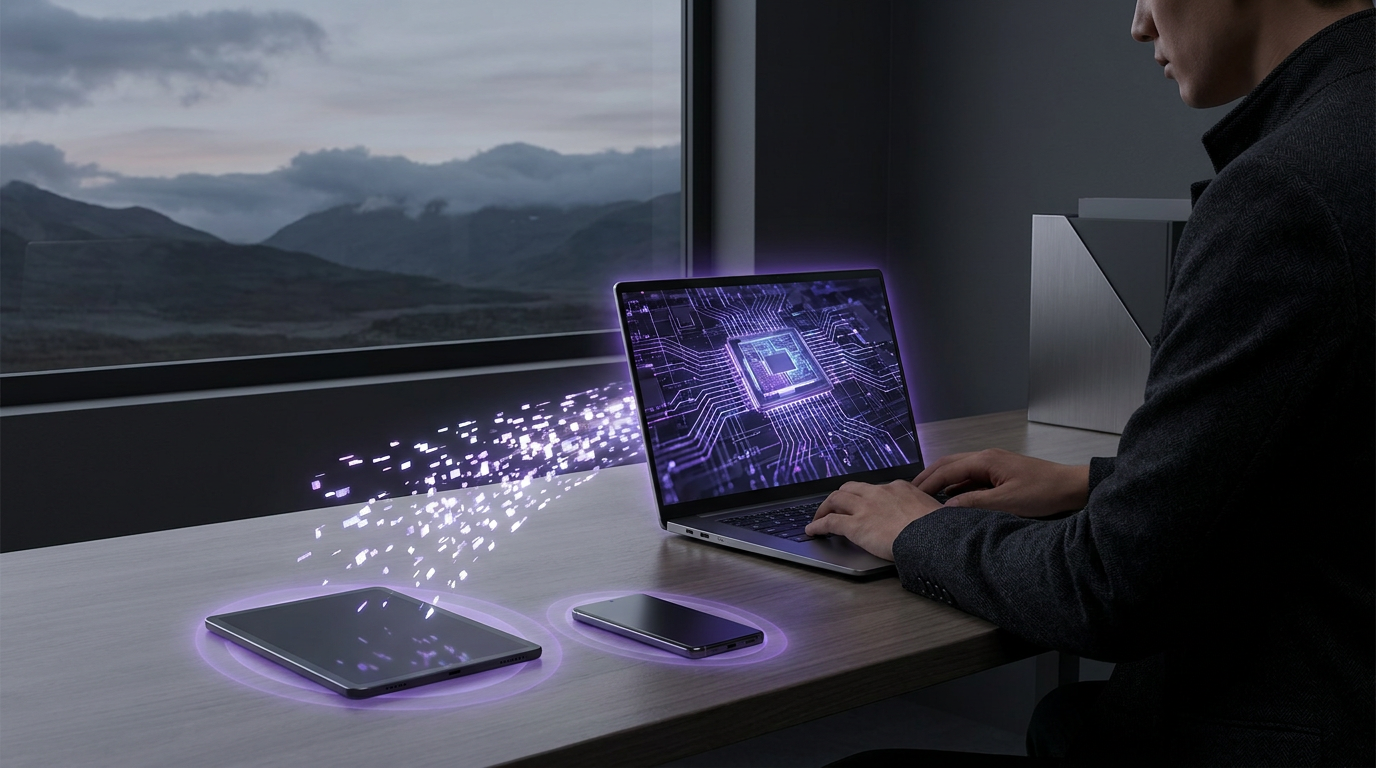
Maintaining Productivity Offline: Encrypted Sync for Remote Workflows
Inspect offline Markdown storage directly on test devices, record local persistence states, and compare synchronization logs across simulated disconnections. Review conflict handling protocols against team requirements to prevent data overwrites. Validate cryptographic parameters during network resumption to maintain consistent data integrity across all remote endpoints.

Eliminating Folders: Using Full-Text Fuzzy Search for Faster Retrieval
Review current folder navigation habits across stored notes. Record retrieval friction points alongside search query tests. Compare flat storage indexed by full-text matching against manual hierarchies. Choose explicit metadata fields and fuzzy indexing workflows that match documented operational needs without relying on speculative directory structures or nested categorisation taxonomies.
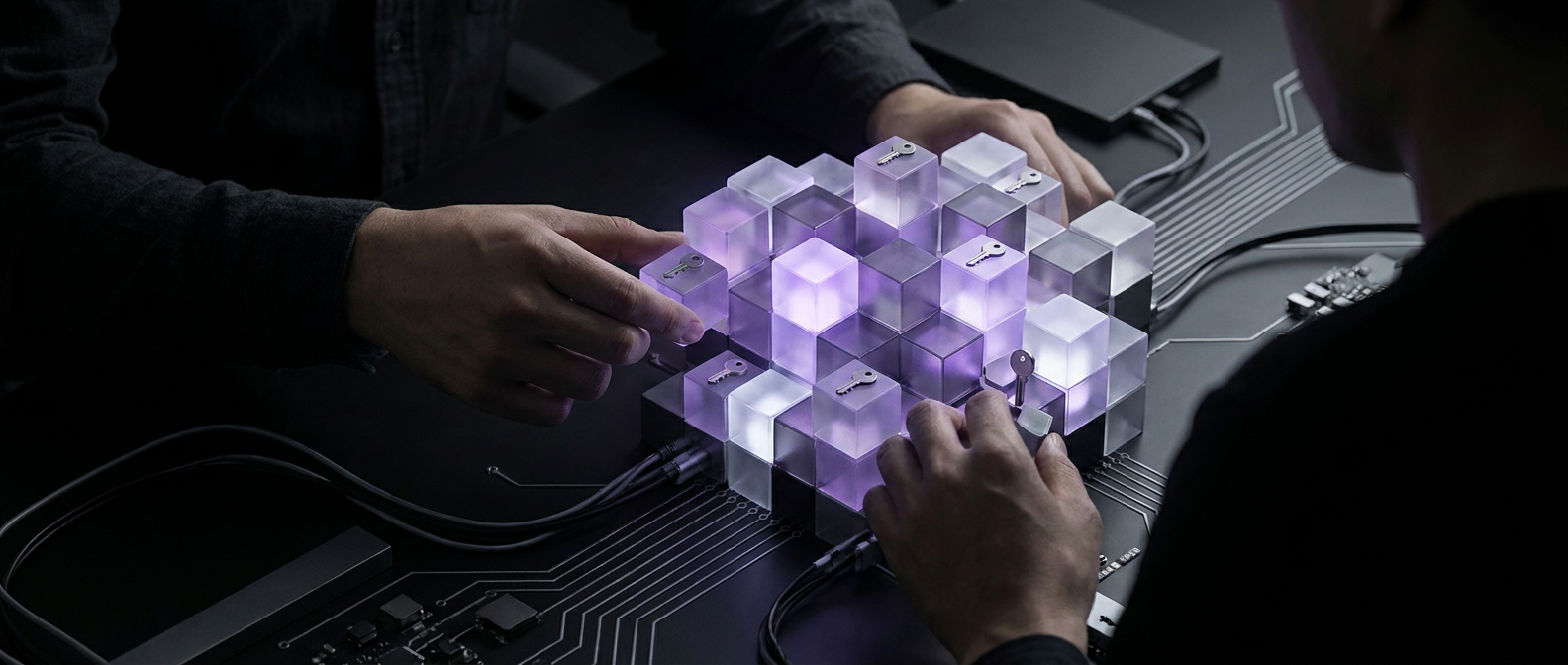
Building a Secure Personal Knowledge Base with Free Zero-Knowledge Tools
Review your note security policy before storing sensitive records. Inspect free client-side encrypted applications across your target devices. Record authentication mechanisms, recovery phrase handling, and export formats for each candidate tool. Compare test export integrity across devices and choose a zero-knowledge configuration that matches your agreed operational privacy requirements.

Fighting Feature Bloat: Why Minimalist Tools Help You Think Better
Audit your documentation workflow against feature overload by isolating capture latency, schema maintenance, and search retrieval. Record every unneeded UI element, database relation, and background sync delay across candidate minimalist knowledge base tools. Choose streamlined systems that prioritise plain markdown text, immediate local rendering, and direct keyboard navigation over heavy workspaces.
The Best Notejoy Alternatives in 2026: Speed Meets Zero-Knowledge Privacy
The best Notejoy alternatives in 2026 prioritize zero-knowledge encryption and offline-first speed. While Notejoy excels at team collaboration, users seeking higher privacy and faster retrieval are moving to tools like SimplyBoard for E2EE, or Obsidian for local markdown control. Speed and security are now the primary drivers for migration.

Obsidian vs Apple Notes | Finding the Middle Ground for Private PKM
In 2026, the Obsidian vs Apple Notes debate centers on the trade-off between power and speed. Obsidian offers local Markdown control and networked thought, while Apple Notes provides unmatched native speed. For those seeking a middle ground, SimplyBoard offers zero-knowledge encryption and instant search without the complexity of vault management.
The Best Offline Notepad Website: Secure, Persistent, and Encrypted
An offline notepad website uses IndexedDB and Service Workers to store data locally in your browser, ensuring notes remain accessible without internet. The best options utilize client-side AES-256-GCM encryption, meaning your data is encrypted before it leaves your device, providing a fast, private alternative to cloud-only editors.

The Best Obsidian Alternative for Frictionless Mobile Sync in 2026
The best Obsidian alternatives in 2026 prioritize seamless mobile sync and zero-knowledge encryption. While Obsidian excels at desktop research, its mobile experience often requires paid sync or complex workarounds. Alternatives like SimplyBoard offer browser-based, offline-first Markdown notes with AES-256 encryption, providing a faster, more reliable experience across all devices.
Notion Alternatives for Personal Use: The Best Privacy-First Tools for 2026
In 2026, the best Notion alternatives for personal use focus on privacy and speed. Tools like Obsidian offer local-only storage, while SimplyBoard provides zero-knowledge AES-256-GCM encryption with seamless sync. These alternatives prioritize offline-first access and search-first retrieval, avoiding the AI-training and cloud-dependency issues common in mainstream apps.
Miro vs Notion: Choosing a Visual Workspace That Won't Leak Your Data
In 2026, Miro excels at real-time visual collaboration and workshops, while Notion is superior for structured, hierarchical documentation. However, both lack zero-knowledge encryption. For users prioritizing privacy and speed, SimplyBoard offers a client-side encrypted alternative that combines canvas views with instant, search-first retrieval and offline-first performance.
SimplyBoard vs Obsidian: Which Second Brain is Faster in 2026?
In 2026, the choice between Obsidian and SimplyBoard depends on your tolerance for sync friction. Obsidian offers total local control but requires manual sync management or a paid subscription. SimplyBoard provides zero-knowledge AES-256 encryption with seamless, offline-first sync and instant search, making it the faster choice for multi-device workflows.

Second Brain Software: Why Retrieval Speed is the Only Metric That Matters in 2026
In 2026, the best second brain software prioritizes retrieval speed and privacy over manual organization. Modern tools like SimplyBoard use search-first workflows, offline-first architecture, and zero-knowledge encryption (AES-256-GCM) to ensure your notes are instantly accessible and completely private, moving beyond the high-maintenance linking and tagging of older systems.

From Kanban to Canvas | Visualizing Your Knowledge Without Privacy Tradeoffs
In 2026, the best visual note taking app balances spatial freedom with zero-knowledge privacy. Tools like SimplyBoard allow users to switch between list, Kanban board, and canvas views while ensuring all data is client-side encrypted using AES-256-GCM and Argon2id, preventing service providers from accessing sensitive personal knowledge.

Sync Without Conflicts | How Last-Write-Wins Keeps Your Notes Simple
Multi-device note sync often uses Last-Write-Wins (LWW) to resolve conflicts. By comparing timestamps, the system automatically keeps the most recent edit and discards older versions. This eliminates 'conflicted copy' files common in apps like Obsidian or Joplin, providing a seamless, offline-first experience for personal knowledge management without manual merging.
SimplyBoard vs Evernote | Privacy-First Markdown vs Legacy Bloat
In 2026, the best Evernote alternative depends on your priority: Notion for databases, Obsidian for local-only files, or SimplyBoard for a fast, search-first experience with zero-knowledge AES-256-GCM encryption. Users are increasingly moving toward offline-first, private tools that offer client-side encryption and avoid AI-driven data mining.
Looking for a Secure Replacement for OneNote? Why Data Ownership Matters in 2026
A secure replacement for OneNote in 2026 requires moving from proprietary .one files to open Markdown standards and zero-knowledge encryption. While Notion and Obsidian are popular, privacy-focused users should prioritize client-side encryption (AES-256-GCM) and memory-hard key derivation (Argon2id) to ensure total data ownership and offline-first reliability.

The Best OneNote Alternatives for Users Who Value Data Ownership
Looking for a replacement for OneNote in 2026? The best alternatives prioritize data ownership through Markdown support and offline-first architecture. Tools like Obsidian, Joplin, and SimplyBoard offer enhanced privacy with zero-knowledge encryption, ensuring your notes remain accessible and secure without the proprietary lock-in of the Microsoft ecosystem.
SimplyBoard vs Obsidian | Why an Integrated Mobile Experience Wins
Obsidian mobile can be slow due to plugin-heavy startup and complex sync setups. A modern Obsidian mobile alternative like SimplyBoard offers instant access via an encrypted IndexedDB cache, search-first navigation, and zero-knowledge AES-256-GCM encryption, providing a faster and more seamless multi-device experience for private note-taking in 2026.
Markdown vs Proprietary Formats | Avoiding Note App Lock-In in 2026
Markdown notes export is the process of converting proprietary app data into plain-text files. In 2026, apps like Apple Notes (iOS 26) have added native Markdown support, while others like OneNote still require complex workarounds. Using Markdown ensures long-term data portability and prevents vendor lock-in for your personal knowledge.
SimplyBoard vs Miro vs Trello | Visual Thinking With Total Privacy
Private visual note taking combines spatial organization with zero-knowledge encryption. Unlike Miro or Trello, SimplyBoard encrypts every card and board locally using AES-256-GCM before syncing. This offline-first approach ensures that sensitive research, project plans, and intellectual property remain inaccessible to service providers while maintaining the flexibility of a canvas.
Fuzzy Search vs Manual Tagging | The Future of Retrieval-Based PKM
Fuzzy search notes apps prioritize retrieval speed over manual organization. By using approximate string matching, these tools allow you to find information instantly without the friction of tagging or folders. This search-first approach, combined with client-side encryption, offers a faster and more private way to manage personal knowledge in 2026.

The Best Second Brain App for People Who Value Retrieval Over Organization
In 2026, the best second brain app is defined by retrieval speed and privacy rather than complex organization. While tools like Obsidian and Notion offer deep structure, search-first apps like SimplyBoard provide faster access through fuzzy search and zero-knowledge encryption, ensuring your notes are both instant and private.

SimplyBoard vs Evernote | Why Instant Search Beats Complex Folders
In 2026, the best Evernote search alternative is a search-first, encrypted app like SimplyBoard. While Evernote relies on a legacy folder-and-stack hierarchy, modern tools use instant fuzzy search and client-side encryption (AES-256-GCM) to provide faster retrieval and better privacy without the cognitive overhead of manual filing.

SimplyBoard vs Obsidian vs Apple Notes | Finding the Middle Ground
Obsidian offers power but suffers from slow mobile startup and sync costs. Apple Notes is fast but lacks cross-platform privacy and advanced structure. SimplyBoard provides a middle ground, combining instant-on mobile speed and offline-first reliability with zero-knowledge AES-256 encryption and a search-first workflow for professional knowledge management.
The Best Free Alternative to OneNote for Privacy-Conscious Users in 2026
The best free alternative to OneNote in 2026 focuses on zero-knowledge encryption and offline-first performance. While OneNote suffers from sync lag and cloud dependency, alternatives like SimplyBoard, Joplin, and Obsidian offer instant search and local-first storage, ensuring your notes remain private and accessible without an active internet connection.
SimplyBoard vs Standard Notes | Encrypted Notes Compared
Standard Notes is a leading end-to-end encrypted note app, but users often seek alternatives like SimplyBoard for faster search and visual organization. While Standard Notes excels in longevity, SimplyBoard provides a more versatile experience with Kanban boards, canvas views, and instant fuzzy search, all protected by zero-knowledge AES-256-GCM encryption.

SimplyBoard vs Obsidian | Encrypted Notes Without the Setup
Obsidian is excellent for local-file control, but SimplyBoard provides a faster, zero-setup alternative for encrypted notes. SimplyBoard uses client-side AES-256-GCM encryption and Argon2id key derivation to ensure your notes are private by default, offering instant sync and offline-first access without the complexity of managing a local vault or plugins.

Is the Notion Desktop App Too Slow? Why Search-First Note Taking is Faster
The Notion desktop app offers a dedicated workspace and better tab management than the browser, but it can be slow due to its Electron-based architecture and database complexity. For users needing instant capture and offline access, a search-first, client-side encrypted app like SimplyBoard provides a faster, more private alternative.

Why Your Second Brain App is Slowing You Down (and the 2026 Fix)
A second brain app review in 2026 reveals a shift from complex organization to search-first workflows. High-performance personal knowledge management systems now prioritize speed, privacy, and zero-knowledge encryption over manual tagging. Tools like SimplyBoard offer a fast, offline-first alternative to bloated platforms, ensuring your notes are accessible and secure.
Why We Built SimplyBoard
SimplyBoard was built to solve the friction between speed and security in note-taking. We replaced the messy, unencrypted "notes.txt" file with a zero-knowledge, client-side encrypted knowledge base. It offers instant fuzzy search, keyboard-first navigation, and offline-first architecture, ensuring your sensitive snippets and thoughts remain private, searchable, and accessible anywhere.
Designing for Keyboard-First Users
Designing for keyboard-first users means making every action accessible via keystrokes so the mouse becomes optional. SimplyBoard uses a search-first architecture and visible UI shortcuts to help developers and power users maintain flow, ensuring that finding or creating a note takes less than three seconds without leaving the home row.
Meet Kraftwire Software: The Team Behind SimplyBoard
Kraftwire Software is the engineering team behind SimplyBoard. We are a focused development agency that builds "radically simple" tools for ourselves first. By prioritizing zero-knowledge encryption, offline-first speed, and keyboard-driven workflows, we provide a private, high-performance alternative to bloated mainstream productivity apps.
Enterprise Security at Startup Speed
Enterprise security at startup speed is achieved by integrating zero-knowledge encryption and SOC 2-compliant infrastructure into the development lifecycle. By using client-side AES-256-GCM encryption and Argon2id key derivation, SimplyBoard ensures data remains private while maintaining the high shipping velocity required by modern startups and developers.
Building for People Who Ship
Building for people who ship means prioritizing retrieval speed, data integrity, and zero-friction workflows. SimplyBoard is engineered for developers and founders who need a search-first, client-side encrypted environment that respects their time. We replace "almost works" productivity with instant, offline-first performance and zero-knowledge security.
The Case for Offline-First Apps
Offline-first apps prioritize local storage over network requests, ensuring software works without internet. SimplyBoard uses this architecture to provide instant search, zero-latency editing, and total reliability. By caching encrypted data in IndexedDB, the app remains functional in "dead zones," syncing changes to the cloud only when a connection is available.

Why Plain Text Will Outlive Every App
Plain text and Markdown outlive every app because they are universal, vendor-independent formats. Unlike proprietary databases that become inaccessible when companies fail, plain text remains readable on any device, forever. SimplyBoard uses this "plain text power" to ensure your encrypted notes remain portable, searchable, and future-proof.
The Death of Folders: Why Search Beats Organization
Folders are a legacy of the paper era that create friction in digital workflows. Search-first architecture allows for instant capture and retrieval, eliminating the cognitive load of categorization. By leveraging fuzzy search and client-side encryption, SimplyBoard lets you find any note in milliseconds without the need for complex hierarchies.
Personal Knowledge Management in 2026: The Retrieval Revolution
Personal Knowledge Management in 2026 has shifted from complex filing to high-speed retrieval. Modern PKM prioritizes "search-first" workflows, zero-knowledge encryption, and offline-first accessibility. Instead of manual organization, users now rely on instant fuzzy search and flat architectures to manage their digital memory without the overhead of traditional systems.