Why Obsidian Mobile Loads Slowly and How to Fix It
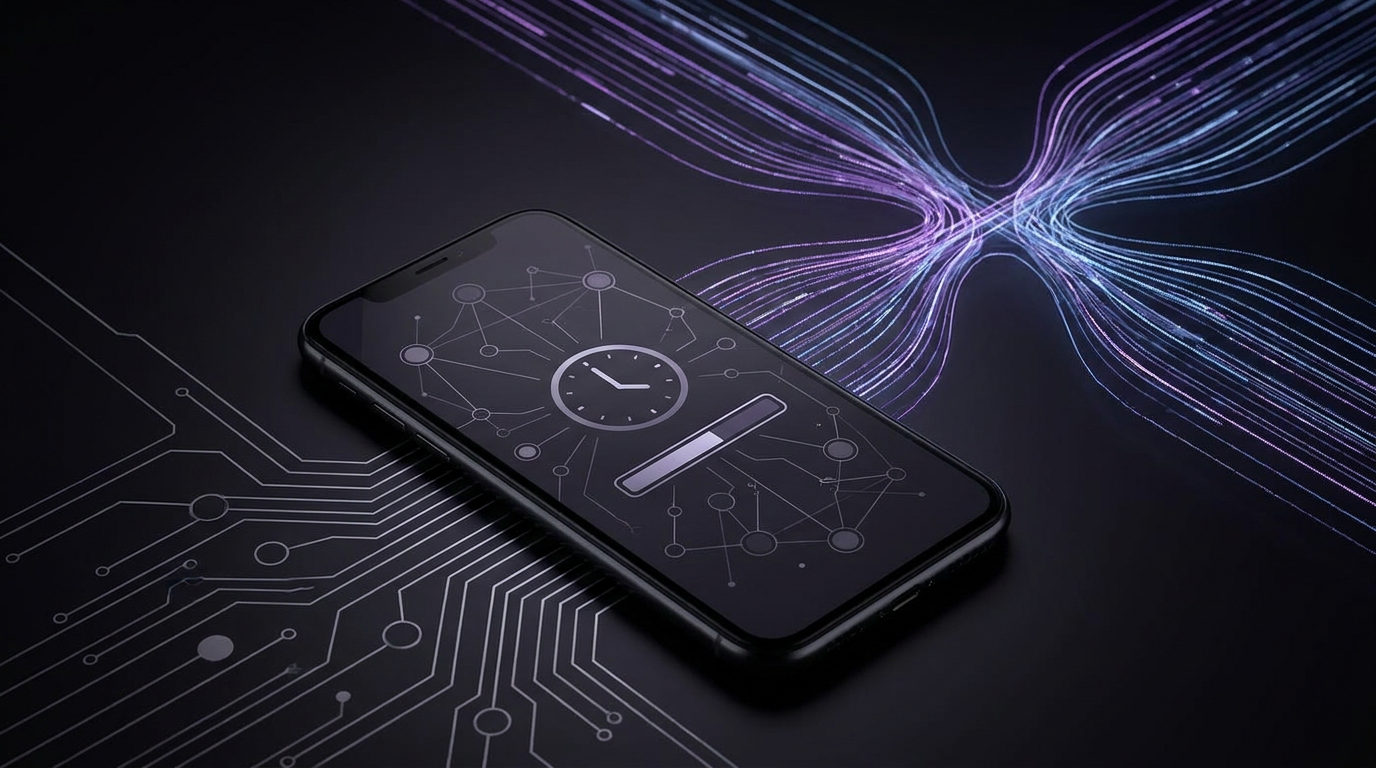
A cold start makes Obsidian reload and index its files again. iCloud moves less-used files off your phone to save space. The workspace includes open tabs and custom views supplied by plugins.1, 2, 3
Find what slows startup
In Obsidian 1.7.1 or later, open Settings, then General, then Advanced. Tap the small clock icon to view the Startup Time overlay. It shows how long parts of startup take.3
The workspace line measures the time spent loading open tabs and custom views. A note that needs a plugin to render adds work here. That work can appear under workspace time, rather than plugin load time.3
On iOS, open Settings, then Community plugins, and turn on Restricted mode. This disables community plugins. Fully quit Obsidian, reopen it, and try a large note.1
Compare startup speed and typing with community plugins turned off. If both improve, plugins are adding load. Themes and CSS can also add render work.1
Keep iCloud vault files on your phone
iCloud can offload files you have not used recently. Obsidian then has to wait for files it needs at startup. Settings files and scripts may download one by one.2
Open the Files app on your iPhone or iPad. Go to the Obsidian folder in iCloud Drive. Long-press your vault folder and select Keep Downloaded.2
This option tells your device to keep the vault in local storage. Your device gives priority to keeping those files downloaded.2
In iOS settings, open General, then Background App Refresh. Turn it on for both Obsidian and Files.1
Keep storage space free to reduce how often iOS removes local files. Leave Files open while large media downloads finish. A vault stored in On My iPhone is already local.1
Use fewer plugins on mobile
A separate mobile settings folder lets you use fewer plugins than on desktop. On mobile, open Settings, then About, then Advanced. Override the config folder with a different name, such as .obsidian-mobile.4
Lazy Plugin Loader lets you set when each plugin loads. It can delay plugins at startup or stop unused plugins from launching.5
To install it, open Obsidian settings and select Community plugins, then Browse. Search for Lazy Plugin Loader, then install and enable it.5
Turn on Separate desktop/mobile configuration to use different loading rules on each device. The short delay defaults to five seconds. The long delay defaults to 30 seconds, and both times can be changed.5
Each plugin can use Instant, Short delay, Long delay, or Disabled. You can also set the default startup type for newly installed plugins.5
Let only essential mobile plugins load at once. Give less-used plugins a short delay, and disable those you do not use on mobile. A plugin that must load straight away may still slow startup.5
Check the Startup Time overlay whenever you add a plugin. Many plugins have little effect on load time. If Tasks slows your mobile launch, disabling it is one option.3
Task lists remain visible as Markdown when Tasks is disabled. Completing those tasks on desktop instead is a possible trade-off for faster mobile startup.3
SimplyBoard for fast, private capture
SimplyBoard offers a fast, encrypted knowledge base with offline support. It is built for storing and finding information without extra friction.6
SimplyBoard offers instant interactions without loading spinners, plus access across devices. Offline support includes full read and write access. Changes sync when you reconnect.7
SimplyBoard encrypts entry content on your device with AES-256-GCM before syncing. New vaults use Argon2id to derive keys. Servers store encrypted content and wrapped keys.6
SimplyBoard's zero-knowledge design means we cannot see your entry content. Encryption does not protect plain text exposed in an unlocked session. Keep your devices secure.6
SimplyBoard offers full-text fuzzy search across entries, including matches with typos. Search is designed to find snippets and commands in milliseconds. You can navigate, search, and manage entries entirely from your keyboard.6
Sources
Frequently asked questions
- Where do you find the Startup Time overlay in Obsidian mobile?
- In Obsidian 1.7.1 or later, open Settings, then General, then Advanced. Tap the small clock icon to see startup load times.
- How do you prevent iCloud from offloading your Obsidian vault on iOS?
- Open Files and go to the Obsidian folder in iCloud Drive. Long-press your vault folder and select Keep Downloaded so your device prioritises keeping its files local.
- How does Lazy Plugin Loader let you stage plugin loading?
- Assign each plugin to Instant, Short delay, Long delay, or Disabled. Separate desktop and mobile settings let you choose different rules for each device. The delays default to five and 30 seconds, and you can change them.
Start writing with true privacy
Get Started Free