Write fast.
Find faster.
Stay private.
The trusted, encrypted alternative to Notion, Trello, and Miro. A fast, private knowledge base for developers, founders, and power users who need to store and retrieve information without friction · encrypted, searchable, and offline-ready. Hosted on Supabase, which is SOC 2 Type 2 compliant and ISO 27001 certified.
No credit card required. Free for personal use.
Everything you need, nothing you don't
Most tools overwhelm you with dashboards and settings you never touch. SimplyBoard gives you fast, encrypted storage that works the way you think. Every feature helps you store or retrieve information faster.
Client-Side Encryption
Your data is encrypted with AES-256-GCM before it leaves your device. We never see your content · zero-knowledge by design.
Hosted on Supabase
Hosted on Supabase, which is SOC 2 Type 2 compliant and ISO 27001 certified.
Instant Search
Full-text fuzzy search across all entries · find any snippet or command in milliseconds, even with typos.
Multiple Workspaces
Separate encrypted spaces for work, personal projects, and side ventures · each context distinct and focused.
Keyboard-First
Navigate, search, and manage entries entirely from your keyboard without breaking your flow.
Cross-Device Sync
Encrypted entries sync across all your devices, giving you instant access to your knowledge base anywhere.
Offline Support
Works fully offline. All changes sync automatically in the background when you reconnect.
How it works
Capture anything
Paste a command, save a snippet, or jot a note. Each entry supports plaintext or Markdown · no rigid templates.
Find it instantly
Type in the search bar and results appear instantly with fuzzy matching. Frequently accessed entries naturally rise to the top.
Stay in control
Everything is encrypted on your device before syncing. Works offline, no folders required, no lock-in.
Your data, your control
SimplyBoard encrypts entry content with AES-256-GCM and uses Argon2id key derivation for new vaults. Servers store encrypted content and wrapped keys. Encryption does not protect plaintext exposed in an unlocked session, so keep your devices secure. Optional two-factor authentication and a recovery kit provide additional ways to protect your account and restore vault access.
Frequently Asked Questions
Everything you need to know about SimplyBoard.
Entry content is encrypted in your browser before syncing. Servers store encrypted content and wrapped keys rather than the plaintext vault key. Your encryption secret or an optional recovery code can unlock the vault. Protect your devices and saved recovery code: an unlocked session exposes readable content, and encryption does not remove every security risk.
Set up a recovery kit in Settings before you need it. Its code can unlock your vault and let you set a new password or passphrase. The code is shown once and stays valid after use until a new kit replaces it. We store an encrypted copy of your vault key, not the recovery code. An account password reset alone cannot decrypt your existing vault. Keep your encryption secret and recovery code somewhere safe.
Consider what you keep in your notes and who should be able to read it. Client-side encryption protects stored entry content, while account security, device security and recovery planning address other risks. Evaluate those controls for your own workflow; a general privacy label is not a complete security assessment or a benchmark against another product.
Yes! SimplyBoard is free for personal use. We believe everyone deserves access to a private, secure knowledge base.
Your password (or passphrase for Google sign-in) is used to derive an encryption key using Argon2id, a memory-hard key derivation function that resists GPU brute-force attacks. All your entries are encrypted with AES-GCM before leaving your device. We never see your decrypted data·not even our servers can read it.
After signing in with Google, you create a separate encryption passphrase. This passphrase works exactly like a password for encryption·it derives the key that protects your data. Your Google account only handles authentication, not encryption. We cannot recover your passphrase or open your vault without it.
No. Once you register with a specific method (email/password OR Google), you must continue using that same method. Each method uses a different encryption key derivation, so they cannot be interchanged. If you try to sign in with Google using an email already registered with email/password (or vice versa), you will receive an error.
Because of our zero-knowledge architecture, we cannot recover your password or passphrase, or decrypt your data · this is by design. But you can protect yourself: generate a recovery kit in Settings, a code shown once that can restore access to your vault without weakening the encryption. We recommend storing your password and recovery code in a secure password manager. Your account will be deleted after 90 consecutive days of inactivity.
Yes. You can enable TOTP two-factor authentication in Settings with any authenticator app (1Password, Google Authenticator, Aegis, and others). It is enforced server-side, not just on the login screen: once enabled, every data request requires a verified two-factor session, so a stolen password alone cannot read your data · even through direct API access.
Accounts that are not accessed for 90 consecutive calendar days will be permanently deleted without notice. This helps us manage storage costs and keeps the platform lean. Make sure to sign in at least once every 90 days to keep your account active.
Yes! SimplyBoard works fully offline. Your entries are cached locally and sync automatically when you reconnect to the internet.
Your encrypted data is stored securely on Supabase, which is SOC 2 Type 2 compliant and ISO 27001 certified, and synced across all your devices. The encryption ensures that even if someone accessed the server, they couldn't read your content.
SimplyBoard is built for speed and simplicity. No feature bloat, no expensive subscriptions, no learning curve. Just fast search, secure storage, and instant retrieval · hosted on Supabase, which is SOC 2 Type 2 compliant and ISO 27001 certified. Perfect for anyone tired of overengineered tools.
Not currently. SimplyBoard is hosted on Supabase, which is SOC 2 Type 2 compliant and ISO 27001 certified. This enables cross-device sync without you managing infrastructure. While your content is encrypted client-side (we can't read it), you are trusting us with metadata like your email and when entries are saved. If full data sovereignty is a requirement, we understand SimplyBoard may not be the right fit for you.
SimplyBoard is hosted on Supabase. Provider compliance statements describe the provider. SimplyBoard itself does not hold these certifications. Our browser encrypts entry content with AES-256-GCM; the server stores encrypted content and wrapped keys. Protect your account, devices and recovery code as well as the stored data.
Kraftwire Software is the company behind SimplyBoard. We are a small, independent software studio focused on building fast, privacy-first tools for people who value simplicity over feature bloat. SimplyBoard is our flagship product.
Latest from the blog
Insights on security, productivity, and building tools for people who ship.
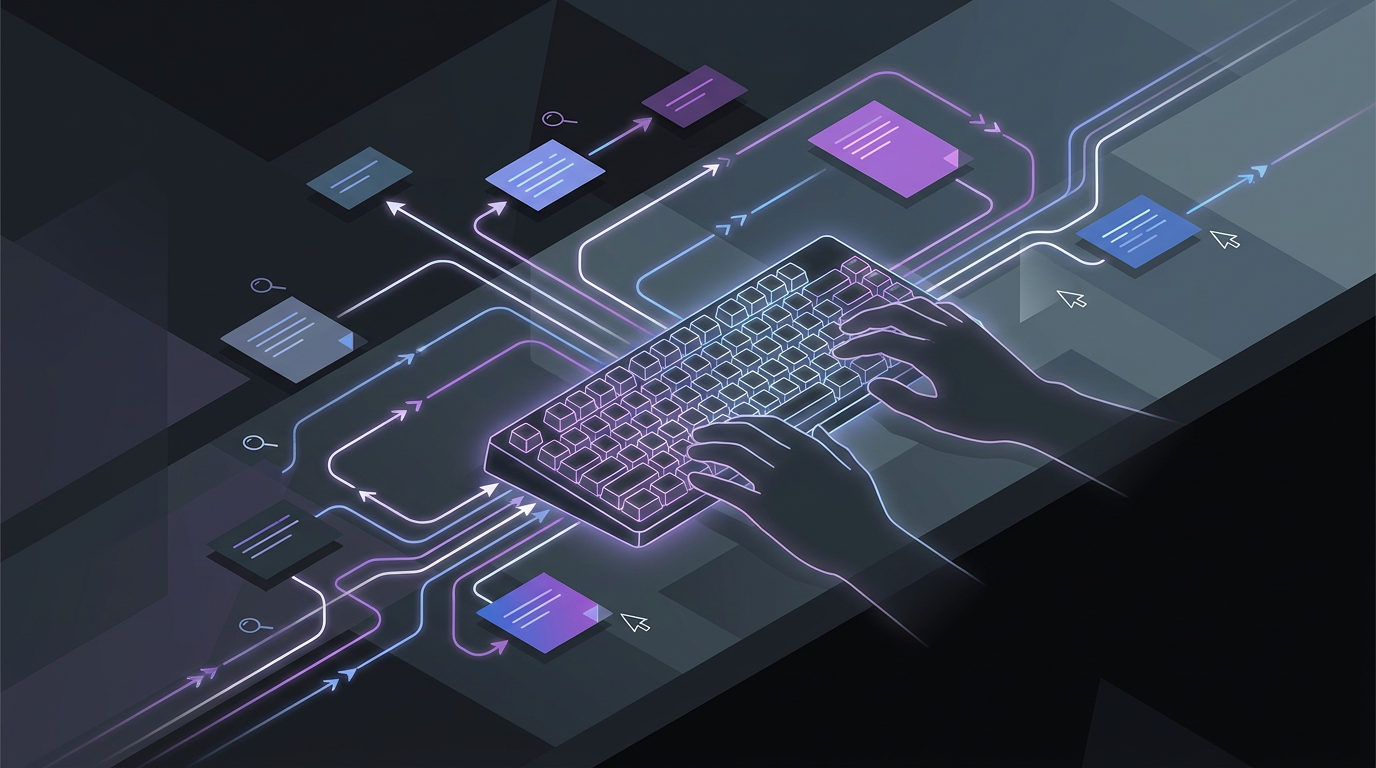
Keyboard navigation for note taking apps: moving, finding and editing notes
Keyboard navigation lets you move between a note app’s sidebar and note list without a mouse. Agenda’s Open Quickly menu finds notes, projects and overviews through typed searches. Apple Notes lets you begin editing a selected note from the keyboard.
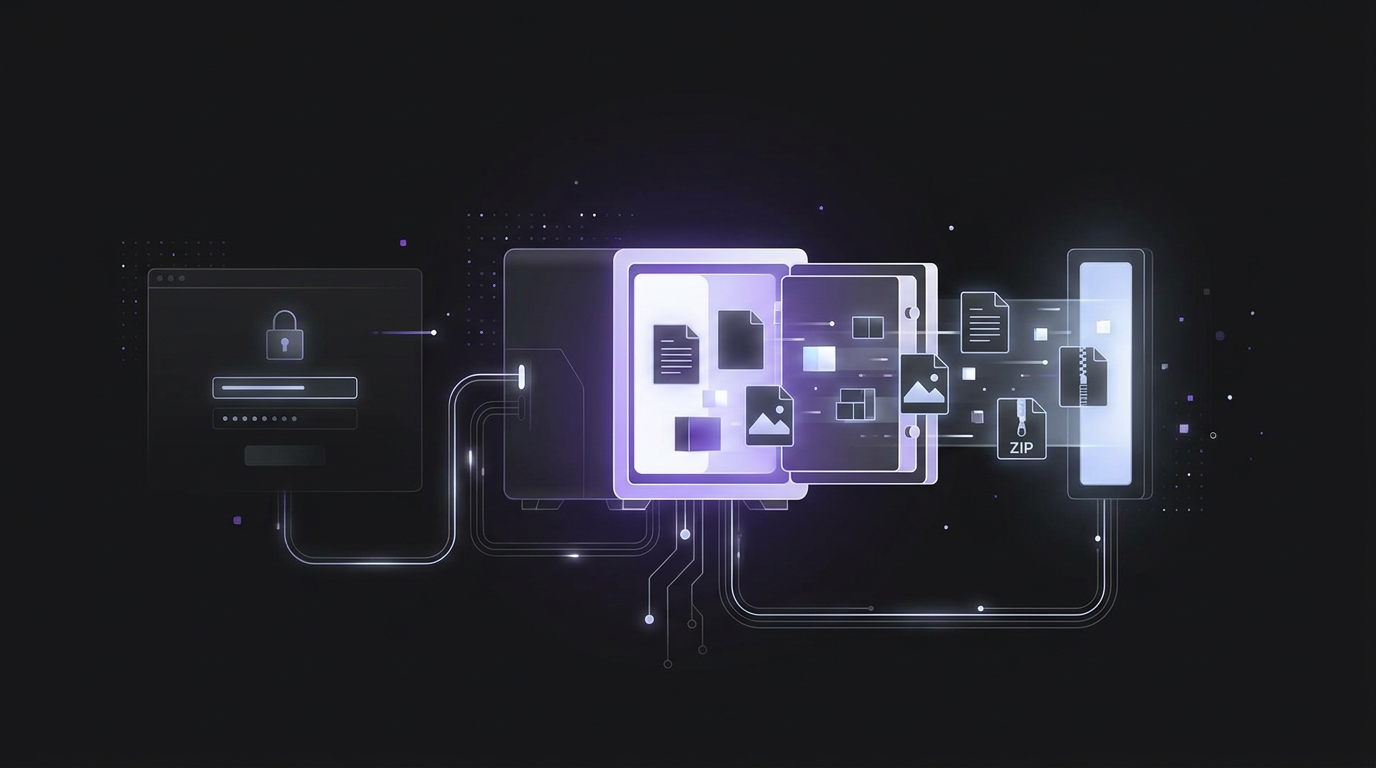
Exporting notes from an unlocked vault: formats, attachments and password prompts
To export notes from an unlocked vault, use the app's export tool to save your vault data. Bitwarden offers plaintext CSV and JSON files, encrypted JSON files, and ZIP files with attachments. For local note vaults, copy the note files and their attachments folder into the new vault.
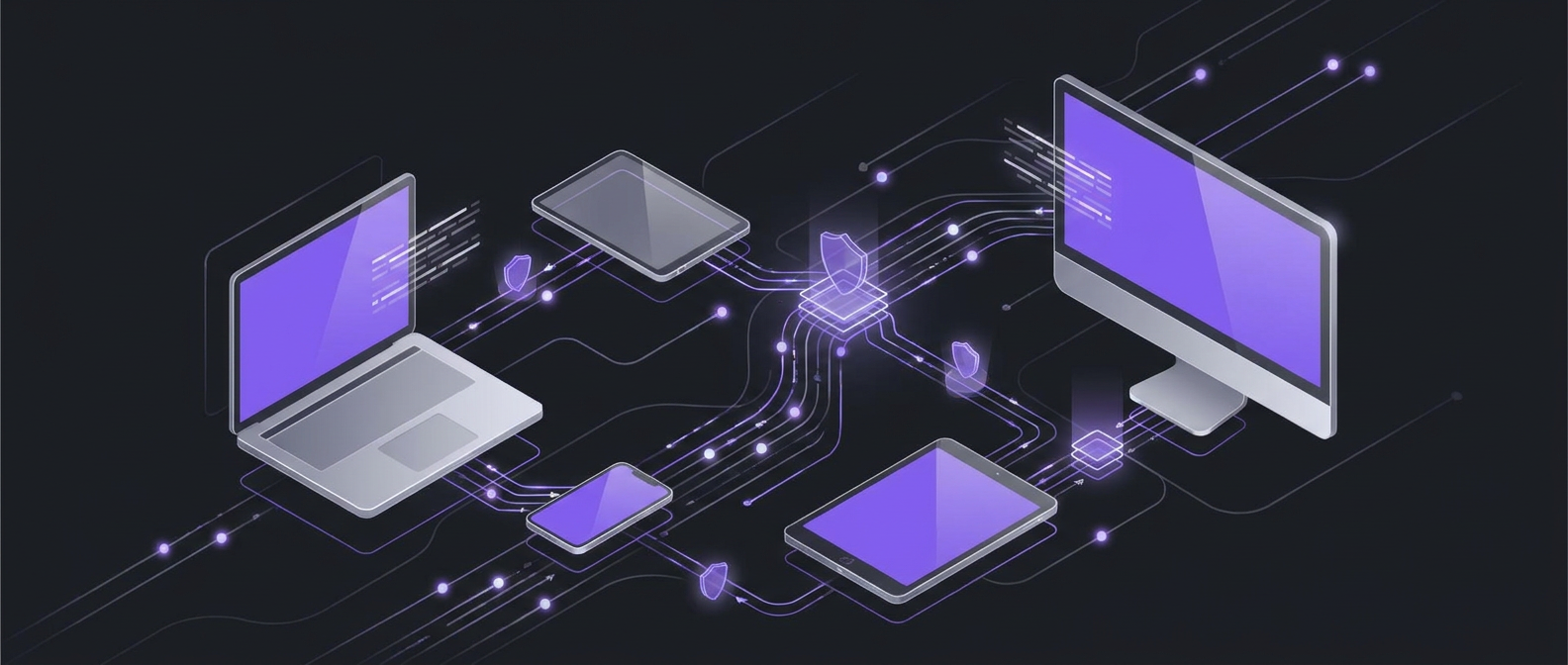
Private note syncing across devices with Syncthing, Joplin and SimplyBoard
Syncthing offers private, secure file exchange between devices for syncing your notes. A self-hosted Joplin server lets you sync notes without relying on third-party cloud services. SimplyBoard encrypts entry content before it leaves your device, and its servers store only encrypted content.
Stay in the loop
Product updates, security insights, and tips for power users. No spam, unsubscribe anytime.
Ready to simplify?
No credit card, no bloat, no data harvesting. Whether you're a developer, founder, or anyone tired of overengineered tools, SimplyBoard gives you a secure place to find your knowledge in seconds.
Get Started · It's Free