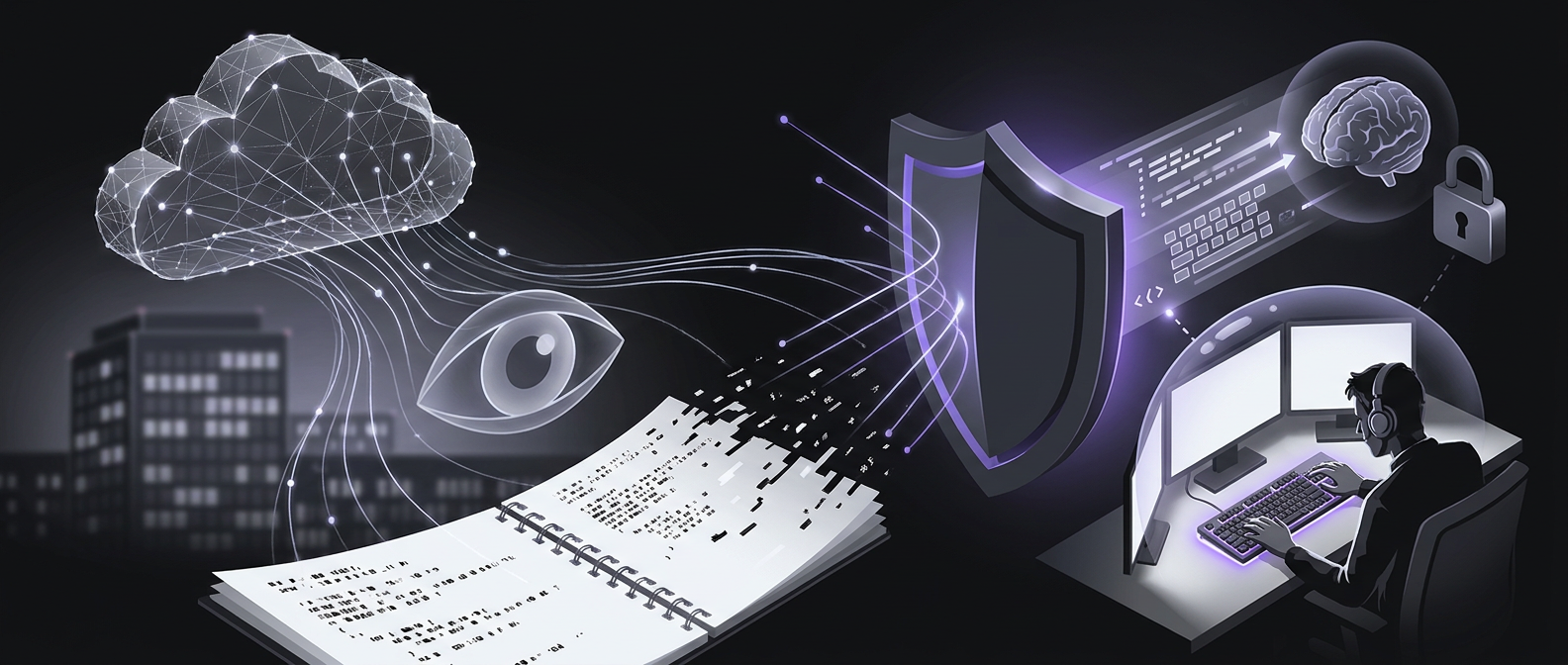
Private note syncing across devices with Syncthing, Joplin and SimplyBoard

Syncthing is an open-source tool for private file exchange. Joplin offers a home server option for note syncing. SimplyBoard uses client-side encryption so it cannot read your notes.1, 2, 3
The privacy tradeoff with cloud note apps
Many mainstream note apps put the service in charge of your data. That can make note keeping easier, but notes may hold precious details. User data has value to major tech firms.1
Choose a sync method that fits your needs and workflow. The choice includes whether you trust a cloud service with your notes. Self-hosting is an option for those who want to avoid sending data to the cloud.2
OneNote syncs notes through OneDrive, making them accessible across your devices.2 Apple Notes works with iCloud on iPhone, iPad, Mac and the web.
Use the same Apple Account on each device. A device cannot access your iCloud notes if its Notes sync is turned off.4
On iPhone or iPad, open Settings, your name, then iCloud. Tap See All or Show All, then Notes, and turn on Sync this [device]. Open Notes and choose All iCloud or a folder in the iCloud section.4
On Mac, open System Settings, select your name, then open the iCloud options. Turn on Notes sync using the controls for your macOS version. For web access, visit icloud.com/notes and sign in to your Apple Account.4
Peer-to-peer syncing with Syncthing
Syncthing provides private, secure data exchange across different operating systems. Its interface shows shared folders, the current device and linked remote devices.1
Select the folder that holds your notes, such as an Obsidian vault. In the Sharing tab, choose which devices share that folder. The same folder can sync across more than two devices.1
Sync runs in all directions when the devices are online. Once synced, the notes are stored on your device. Those local notes remain available offline.1
Syncthing syncs files, but it does not replace a backup plan. Keep regular backups as a separate part of protecting your notes.1
Syncing Obsidian vaults
Obsidian does not automatically sync notes across devices. Plug-ins provide other ways to add sync.1, 2
Obsidian Sync is the app's own paid sync service. It has a monthly fee. Syncthing offers another way to sync Obsidian notes without paying for that service.1, 2
Remotely Save can sync Obsidian notes to a cloud storage service you choose. Its first setup may take some effort.1, 2
Obsidian Sync offers updates close to real time when an internet connection is available. It also handles breaks in network service.5
Hosting your own note server
Joplin is a free, open-source note app for most major platforms. It offers several ways to sync notes. One option is to host your own Joplin server at home.2
A Raspberry Pi can host that server. This lets you sync notes without relying on third-party cloud services.2
A self-hosted Joplin server can serve an office with shared notes or databases. It can also save recurring fees paid for cloud storage.2
Syncthing can run on a server as well as your other devices. Docker provides a way to install it there. Its interface shows the folders being synced and the linked devices.1
Apps with fast sync
Craft, NotePlan and UpNote offer sync close to real time. Drafts and Bear also offer fast updates across devices. Agenda is another option for real-time sync.5
OneNote supports work on several devices at the same time, including PCs and the web. Typing, sketches and handwriting sync in real time.5
Supernotes offers real-time sync and shared editing. You can see live cursor positions from other devices or people on a shared card.5
Client-side encrypted sync with SimplyBoard
SimplyBoard uses AES-256-GCM to encrypt entry content in the browser. SimplyBoard encrypts entry content before it leaves your device.
Its servers store only encrypted content, called ciphertext. SimplyBoard cannot decrypt that content, and the server does not hold your readable vault key.3
New SimplyBoard vaults use Argon2id to derive a key. That key wraps the vault encryption key.
Argon2id uses memory to make brute-force attacks with GPUs harder. SimplyBoard derives the vault key locally, using your password and a unique salt. A vault used with Google sign-in has a separate passphrase.6, 3
For email sign-in, SimplyBoard sends your password to the login service over an encrypted connection. Only encrypted note data syncs to the cloud. Your device decrypts the notes.3
SimplyBoard offers encrypted entry sync across your devices. It also offers full offline reading and writing. Changes sync in the background when you reconnect.6, 7
SimplyBoard offers optional two-factor authentication to help protect your account. An optional recovery kit can restore vault access. Encryption does not protect readable content exposed in an unlocked session, so keep your devices secure.6
Set up the recovery kit in Settings before you need it. Its code can unlock your vault and let you set a new password or passphrase. An account password reset alone cannot decrypt your existing vault.6
The recovery code is shown once and remains valid until a new kit replaces it. SimplyBoard stores an encrypted copy of your vault key, not the recovery code. Keep your encryption secret and recovery code somewhere safe.6
Sources
Frequently asked questions
- Does peer-to-peer file syncing replace regular backups?
- No. Syncthing syncs files between devices, but it does not replace a separate backup plan.
- How can you sync Obsidian vaults without paying for its official sync service?
- You can sync Obsidian notes through Syncthing instead of using the paid Obsidian Sync service. The Remotely Save plug-in can also sync notes to a cloud storage service you choose.
- What are the advantages of self-hosting a note server like Joplin?
- You can sync notes without relying on third-party cloud services. A self-hosted Joplin server can support shared office notes or databases and save recurring cloud storage fees.
- Does client-side encryption protect your notes if a device is unlocked?
- No. An unlocked session can expose readable content, even when stored notes are encrypted. Keep your devices secure and protect your encryption secret and saved recovery code.
Start writing with true privacy
Get Started Free