Which tools suit field engineers working offline?
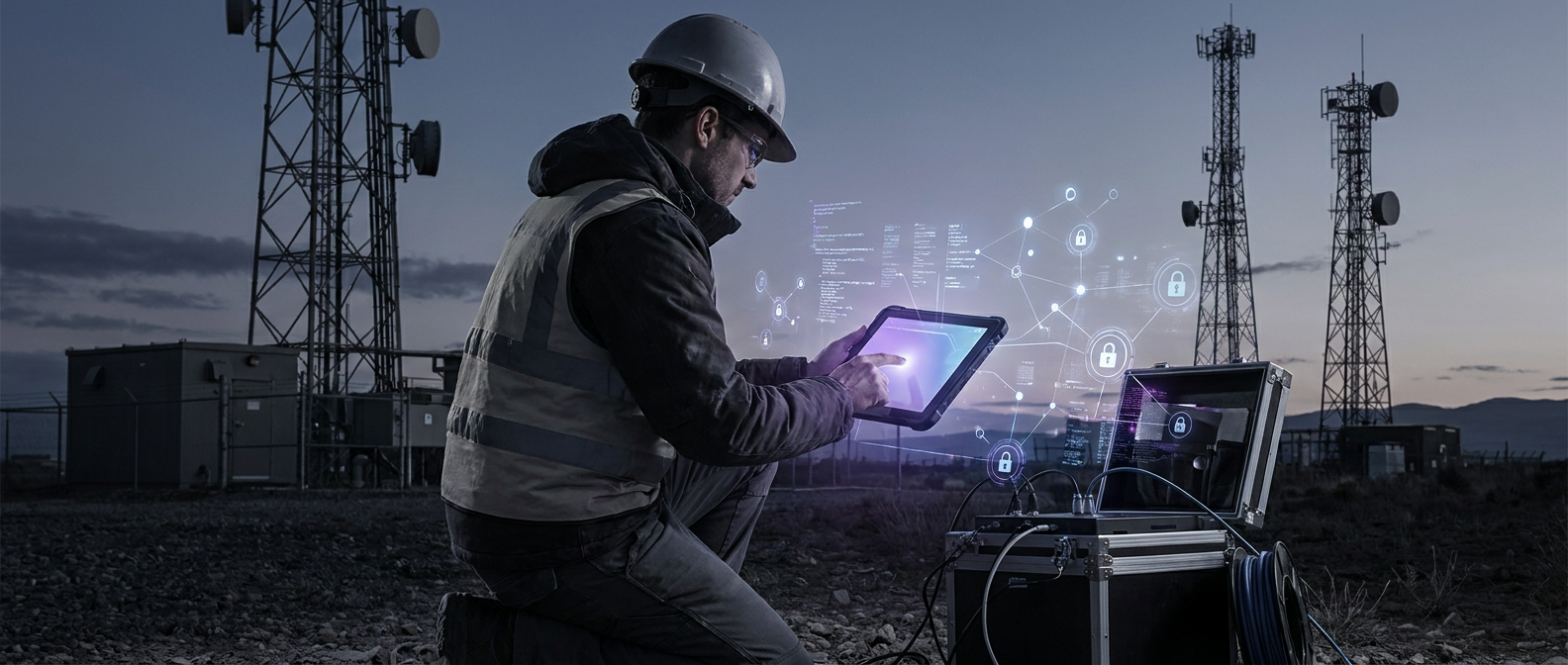
Preventive calls offline support a key need for most mobile work order setups. Its guide describes mobile access to asset history, specifications, procedures, and safety information.1 Start with tools that bring those site records into your field workflow.
Gomocha describes remote checks of equipment data to help teams bring the right tools and parts.2 Add that kind of check to your tool review before choosing a stack.
How does field productivity differ from software development?
Catio describes tools that help software teams write, review, and ship code.3 Judge your field tools by the site work, not the code workflow.
Gomocha describes remote diagnostics: connected devices and sensors check equipment before site visits.2 LowCode Agency describes paper backups and side spreadsheets when teams cannot rely on their connection.4
Use access to physical asset records as your first test for field tools. Make offline access a test of its own, with the phone's network turned off. Do not count a screen that works online as proof it works offline.
Which tool categories should the team compare?
Dispatch and work orders: Preventive describes push alerts for new jobs instead of calls or printouts. Its guide describes ways for field staff, supervisors, and other people involved to talk through the app.1 Check both the job handoff and the team's way of sharing updates.
Equipment diagnostics: Gomocha describes sensors that track equipment and flag faults before a site visit. It links remote checks of that data to bringing the right tools and parts.2 Ask which checks fit the hardware your team has to service.
Offline notes and documents: LowCode Agency describes apps that store data on the device and sync when the network returns.4 SCAND says stored data may include work orders, checklists, maps, and equipment documents loaded over Wi-Fi.5 Test with those files already downloaded, rather than files only held online.
Reports and sign-off: KCOSIT calls for forms with required fields, photos, barcode input, and GPS stamps. Its list also includes signatures, offline mode, and control over the sync process.6 Use your team's sign-off rules to choose which fields must be filled in.
What do the named sources actually document?
TrackVia states that its app can scan and capture data without internet access. It says that data syncs once the connection is restored, including after work in remote areas.7 Use this stated scope as the starting point for an offline barcode trial.
Measure both with the files your team plans to take to each site. Gomocha describes remote checks of equipment data to help teams prepare tools and parts.2
Ask the supplier to show which equipment readings your team can review before departure. Run a separate trial for any checks you need when the site has no signal.
How should you compare the three stack options?
Use the same field tasks to judge all three kinds of tool. KCOSIT's form guidance calls for offline mode and control over sync, as well as photos and signatures.6 Ask each supplier to show those tasks with your own sample work order.
- Field service app · job handoffs: Preventive describes work order apps as a way for field staff, supervisors, and others involved to share messages.1 Give this option first place if dispatch and team updates are your main needs.
- Local-first documentation utility · downloaded records: Judge this option by access to the records you have downloaded for the job. Give it priority when your main requirement is reading and saving site notes offline. Test your chosen utility with the actual documents needed for the assigned work.
- Hardware diagnostic app · equipment checks: Judge this option by the checks you need to plan and carry out service. Separate your requirements for remote preparation from checks performed beside the equipment. Ask for a disconnected demonstration before accepting it for any no-signal diagnostic task.
- Offline records, for every option: Ask to open the same downloaded work order and map with no network. Mark each task as passed, failed, or not yet shown.
- Proof of work, for every option: Check required fields, photos, asset scans, GPS stamps, and signatures. Record which tool will own the final signed report.
- Team updates, for every option: Ask how field staff and the office will share job updates. Include a test of the handoff between any two tools you plan to use.
- Sync conflicts, for every option: Ask who will review a clash and how they will choose the saved record. Write down the agreed rule for competing edits before running the handoff trial.
NUS Technology describes databases on the device that hold local data and queues that manage sync.8 Super Apps calls for clear rules to settle data differences during sync.9
Ask the supplier to trace a saved field note from the device to the office record. Include the point where someone must settle two changes to the same field.
What would a disconnected telecom service visit look like?
Hypothetical example: Imagine a field engineer sent to service hardware at remote telecom sites. On this made-up route, some stops have weak signal and others have none. Use the steps below as a trial plan.
LowCode Agency describes loading assigned work orders, maps, asset records, and reference data before leaving the depot.4 Load those records for your trial, then check that each required file is present. Measure the time to download them and check the space left on the device.
While still online, review the equipment data and plan the tools and parts to bring. At the no-signal stop, open only the maps and documents already loaded onto the device. Keep a note of any needed file that the trial cannot open.
KCOSIT describes opening a work order, scanning an asset tag, and taking a photo. It also describes recording GPS coordinates, filling out a checklist, and getting a signature.6 Run each task on the trial work order with the network turned off.
SCAND warns that repair evidence or customer approval may be lost without reliable local storage.5 Save the trial record on the device, then check that you can reopen it. At the next stop with signal, test syncing it to the office system.
KCOSIT describes syncing the service record to a central system when a network is available.6 For the trial, have the office and field engineer change the same field before sync. Check the final saved value against your agreed rules for handling clashing changes.
What should decide the final choice?
Make offline work orders a pass-or-fail test for sites with weak signal. Require the forms to save the proof of work and signatures your team needs. Choose only after checking the final office record against the one saved on site.
SCAND says storing only the data each role needs limits storage use and sync time.5 Give each trial user a set of files matched to their assigned jobs. Repeat the download and storage checks before adding more sites to that set.
Choose the fault-check tool by the equipment data you need to plan each visit. Choose the team layer by the job updates field staff and the office must share. For each handoff, name the tool that owns the record and the person who checks it.
Sources
- preventivehq.com › mobile-work-orders
- gomocha.com › what-is-remote-diagnostics-in-field-service
- catio.tech › developer-productivity-tools
- linkedin.com › how-build-offline-first-mobile-app-field-workers-low-code-a…
- scand.com › offline-field-service-app
- kcosit.com › kcosit-rugged-tablets-field-data-collection
- trackvia.com › enhancing-field-services-with-barcode-scanning
- nustechnology.com › why-offline-first-mobile-apps-matter-in-field-service-opera…
- super-apps.ai › offline-first-architecture-for-field-service-field-service-…
Start writing with true privacy
Get Started Free