Keyboard shortcuts for note-taking apps: which keys help you capture and find notes?
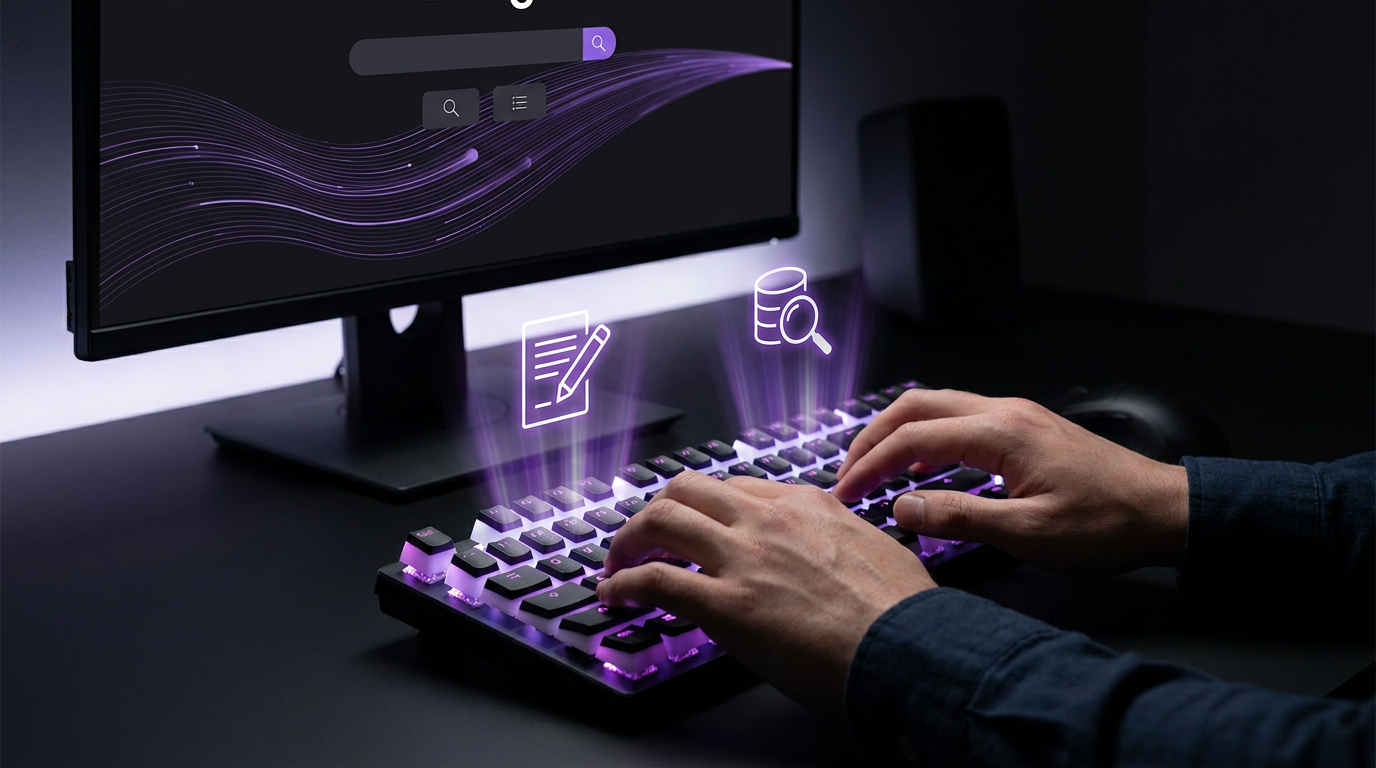
Quick note-taking matters when you need to record ideas or keep track of key facts. A shortcut can open a blank note almost at once. For some users, an external keyboard is easier to use than a touchscreen.1, 2
Why use keyboard shortcuts for notes?
Shortcuts keep your hands on the keyboard and help limit distractions. They make everyday note-taking tasks quicker to carry out.1
A quick new-note shortcut helps capture brief ideas during a meeting or lecture. It also reduces the break between one task and the next.1
Many people with motor disabilities rely on a keyboard. Some have tremors that make fine hand movements hard.3
In OneNote, an external keyboard with shortcuts can be easier than a touchscreen. For people with mobility or vision disabilities, shortcuts are an essential alternative to a mouse.2
On a web page, Tab moves focus through links, buttons and text fields. The focused item can then be used with the keyboard. A visible focus marker shows sighted users which item is selected.3
The order of keyboard focus must be logical and easy to follow. It generally follows the page from left to right, then top to bottom.3
Create and edit notes
In Evernote, Ctrl + N opens a blank note on Windows. On Mac, the same action uses Cmd + N.1
In OneNote for Windows 10, Ctrl+N adds a new page. That page goes at the end of the selected section.2
In Apple Notes on Mac, Cmd + C copies text and Cmd + X cuts it. Use Cmd + V to paste.4
In Apple Notes, Cmd + Z undoes an action. Use Cmd + A to select all.4
In Evernote on Windows, Ctrl + B applies bold and Ctrl + I applies italics. Use Ctrl + U for underline. On Mac, use Cmd in place of Ctrl for these shortcuts.1
These styles help key points stand out in your notes. They can help you focus on what matters during reading or revision.1
In Evernote, Ctrl + Shift + C inserts a checkbox on Windows. On Mac, use Cmd + Shift + C.1
Checkboxes can be used for shopping lists or project tasks. Evernote’s task feature syncs across your devices.1
Find notes and clear your workspace
In Evernote, Ctrl + F finds words or phrases in your notes on Windows. On Mac, use Cmd + F.1
For a PDF, use Find with CTRL + F on Windows or Cmd + F on Mac. This searches for keywords, but does not work for an image PDF.5
In OneNote for Windows 10, Ctrl+E opens a search box. It searches all notebooks that are currently open.2
In Evernote, Ctrl + Shift + A moves a note to the archive. This clears notes that have served their purpose, such as a finished task list.1
Archiving helps keep the workspace free of clutter. Archived notes can still be found through search.1
Move between notebooks and sections
In OneNote for Windows 10, Ctrl+O opens a notebook. Use Ctrl+T to create a new section.2
To switch notebooks, press Ctrl+G, then the Down or Up arrow key. Press Enter to select the notebook.2
In OneNote for Windows 10, F6 moves between the ribbon tabs, navigation pane and page canvas. The Down arrow key moves from a ribbon tab into the ribbon.2
The Left or Right arrow key moves between ribbon tabs or options. Press Enter to run the selected ribbon command.2
Browser and system differences
OneNote for the web uses some different shortcuts from the desktop app. Use Ctrl+F6, rather than F6, to jump in and out of commands.2
In OneNote for the web, Ctrl+O applies to the browser, not OneNote. OneNote’s shortcut list uses the US keyboard layout. Keys on other layouts may not match exactly.2
A plus sign means you press the keys at the same time. A comma means you press them in order.2
For changes to Mac shortcut key assignments, use help for your macOS version or utility app. You can also create a custom shortcut for Office for Mac.2
A keyboard-first workflow with SimplyBoard
SimplyBoard lets you navigate, search and manage entries without a mouse. Its keyboard-first design is built for power users.6
SimplyBoard searches the full text of all entries. Fuzzy matching finds snippets or commands even when your search has typos.7
Type in SimplyBoard’s search bar and results appear at once. Entries you access often rise to the top.7
SimplyBoard entries support plain text and Markdown, with no rigid templates. You can paste a command, save a snippet or jot a note.7
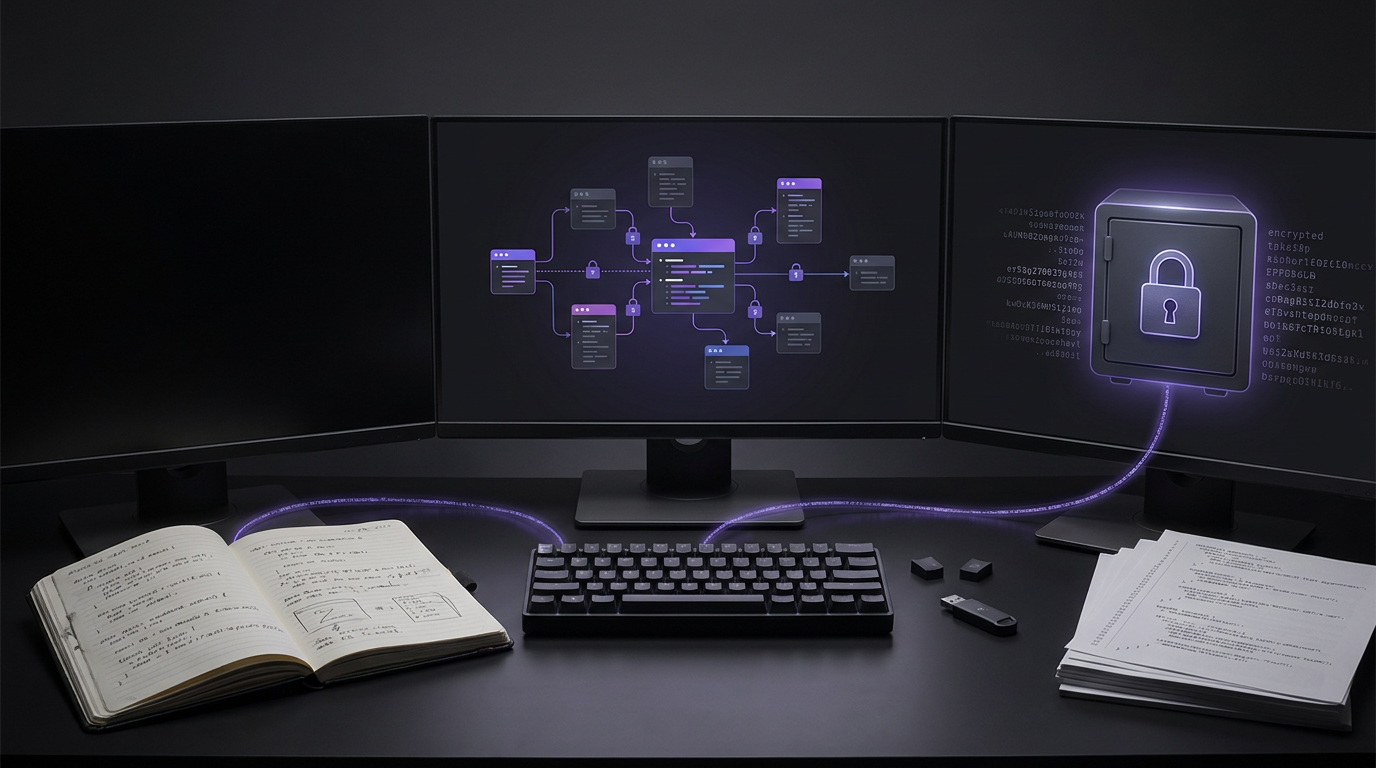
SimplyBoard works fully offline. Changes sync in the background when you reconnect. Encrypted entries sync across your devices.7
Sources
Frequently asked questions
- Why are keyboard shortcuts important for digital note-taking?
- In OneNote, shortcuts with an external keyboard can be easier than a touchscreen. They are an essential alternative to a mouse for people with mobility or vision disabilities.
- Do shortcuts change in a browser version of a note-taking app?
- Yes. OneNote for the web uses Ctrl+F6 rather than F6 to move in and out of commands. Shortcuts such as F1 and Ctrl+O apply to the browser, not OneNote.
- Can I change shortcut key assignments on Mac?
- For changes to key assignments, use help for your macOS version or utility app. Office for Mac also allows custom keyboard shortcuts.
Start writing with true privacy
Get Started Free